
Group calls in Viber let you talk with family, friends, or teammates without asking each person to dial separately. Start a viber group call from an existing group chat, or select contacts directly in the app. The steps below cover the usual flow on Android, iPhone, and desktop; button names can differ between app versions.
Viber outlines its voice and video options on its calls page. Before you begin, check the call screen to confirm which people you are inviting.
Start a group call from a Viber chat
If everyone is already in the same group, use that conversation to start the call:
- Open Viber and tap Chats.
- Open the group conversation.
- Tap the phone or Call icon near the top of the screen. Depending on your version, you may need to choose voice or video.
- If Viber displays a participant list, select the people you want to invite.
- Tap Start call or the matching call button.
- Once connected, use the camera control to turn video on or off. Tap the microphone control to mute or unmute.
Some versions begin calling the group without showing a separate participant list. Check the screen before confirming so you know who will be invited. For individual calling steps, see Viber’s guide to making voice calls.
Choose voice if you are on a weak connection, moving around, or do not need video. Video can help when seeing one another or showing something on camera matters. You can often start with audio and turn on video after the call connects.
Call contacts without creating a group chat
You do not need a permanent group chat to talk with several people. Open Viber’s call controls and select the contacts you want to invite:
- Open the Calls tab or tap the new-call icon.
- Choose the group-call option, if it appears.
- Select the contacts to invite.
- Choose voice or video if prompted, then tap the call button.
- Wait for each person to join. They may answer at different times.
The option’s name and location can vary by device and app version. If you cannot find it in Calls, try starting the call from an existing group chat. Viber’s overview of free calls describes app-to-app calling.
For people you contact regularly, a group chat gives everyone a place to coordinate before and after calls. You can create a Viber group first, then call from its chat screen. To invite people who have not joined, share a Viber group invite link.
Change between voice and video during a call
Tap the camera control on the call screen to turn video on or off. The microphone control mutes or restores your audio. I recommend muting when background noise makes it hard for others to follow the conversation.
A few small adjustments can also help:
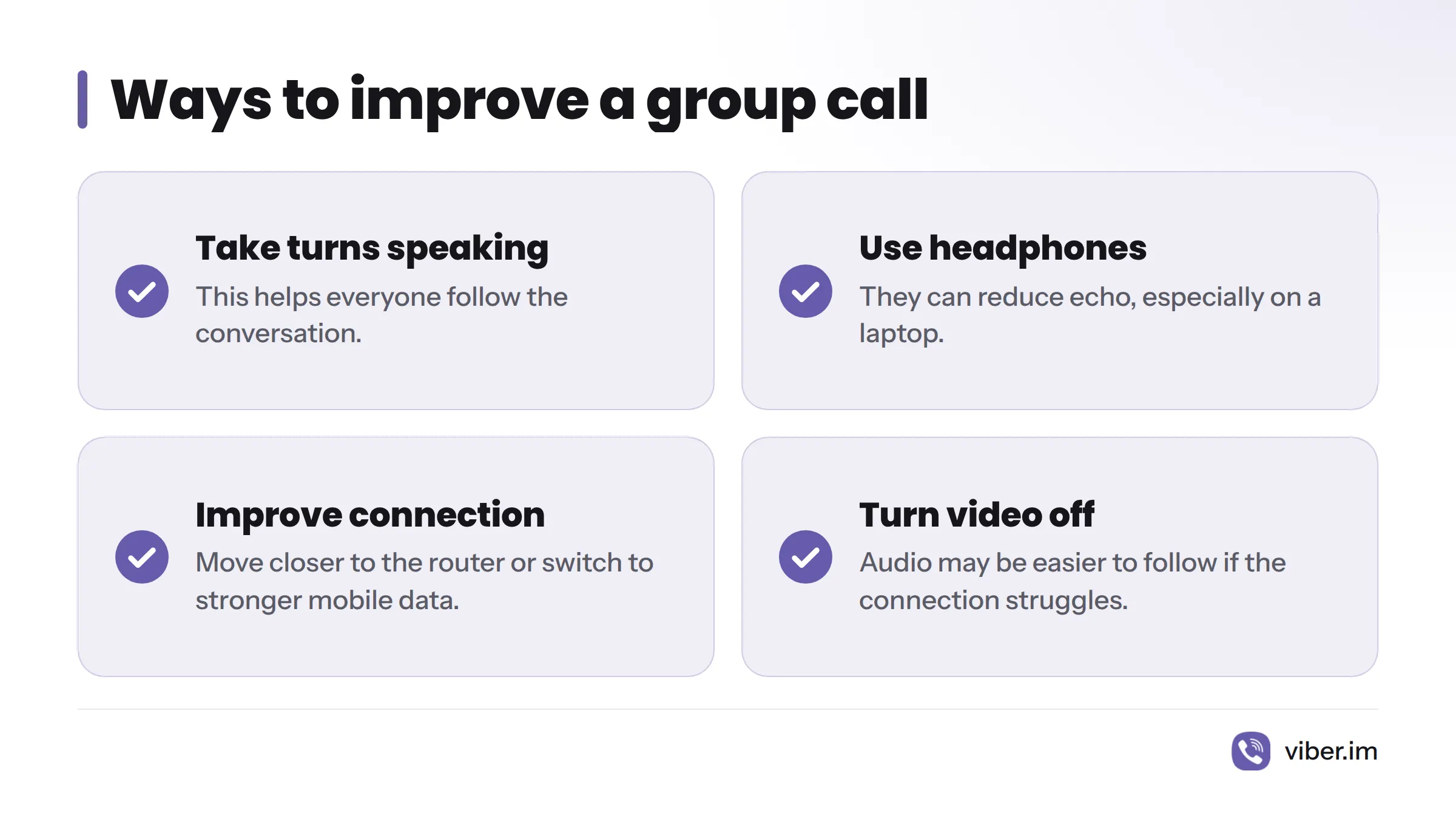
- Take turns speaking when several people are on the call.
- Use headphones to reduce echo, especially on a laptop.
- Move closer to your router or switch to a stronger mobile connection if voices break up.
- Turn video off if the connection struggles. Audio may be easier to follow.
Viber offers voice and video calls through its app, as described on its calls page. Internet calls commonly use Voice over IP, or VoIP; see Voice over IP – Wikipedia. Call controls can vary, so follow the options shown on your device rather than relying on instructions for another model.
Troubleshoot a Viber group call
If the call will not start, or someone cannot hear or see you, work through these checks:
| What you notice | What to try |
|---|---|
| The call button is missing | Update Viber, reopen the group chat, and check the Calls tab for a group-call option. |
| A contact does not appear | Check that the person uses Viber and appears in your contacts. Confirm that you selected the right account or phone number. |
| Others cannot hear you | Check Viber’s microphone permission in your device settings, then make sure you are not muted in the call. |
| Others cannot see you | Allow Viber to use the camera. Check that nothing covers the lens and another app is not using it. |
| Audio or video cuts out | Move closer to Wi-Fi, pause large downloads, or switch to a steadier connection. Viber lists more steps in its guide to fixing call quality issues. |
| Your phone battery drains quickly | Turn off video when it is not needed, lower screen brightness, or follow Viber’s guide to energy-saving call mode. |
If your device asks for permission, allow access only to the features you plan to use. Microphone access supports audio; camera access supports video. You can review or change either permission in your device settings.
Check these details before calling
A quick check can save time once people start joining:
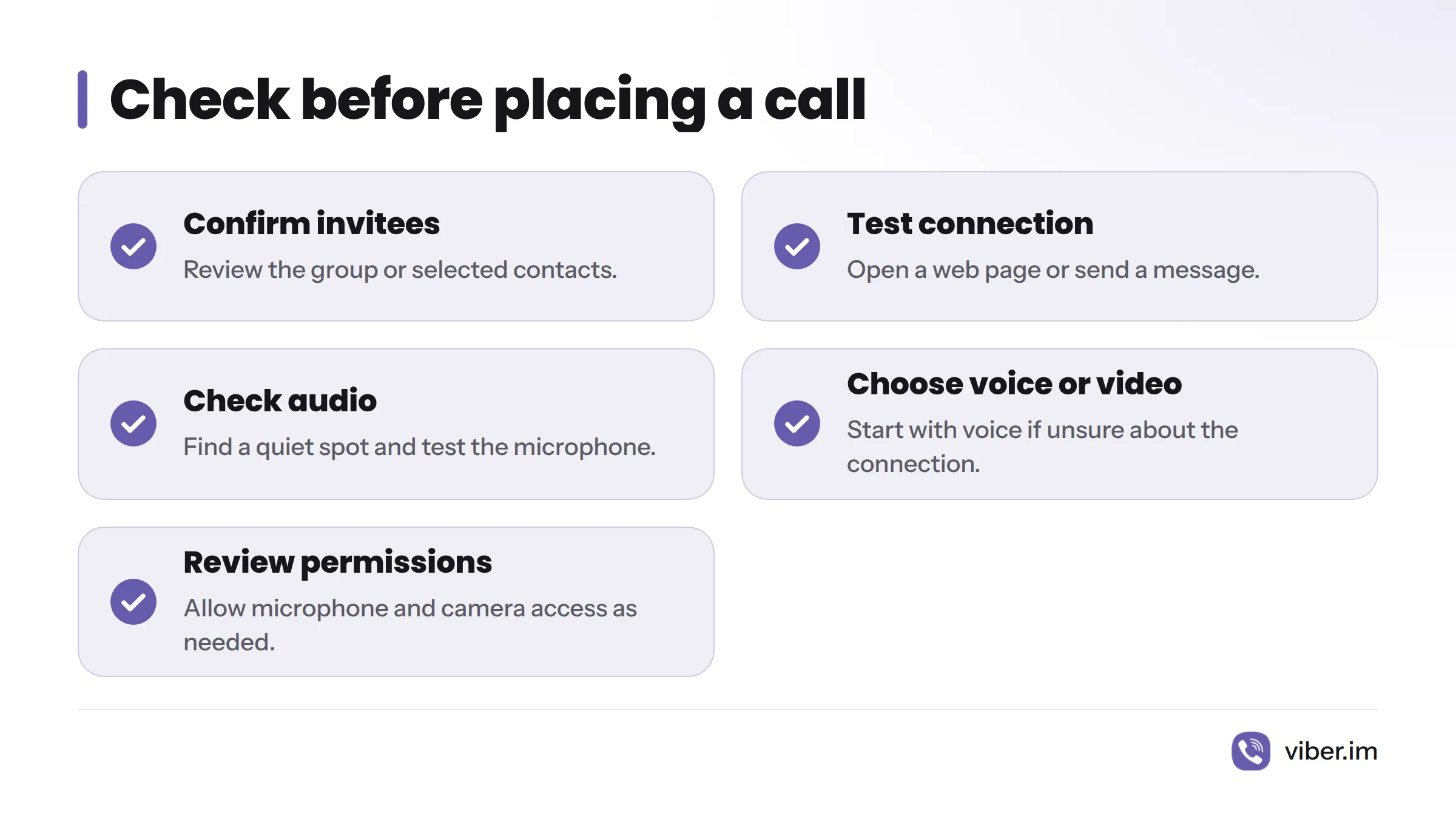
- Confirm the invitees: Review the group or selected contacts before placing the call.
- Test your connection: Open a web page or send a message.
- Check your audio: Find a quiet spot and test the microphone. Headphones can help reduce echo.
- Choose voice or video: Start with voice if you are unsure about the connection, then turn on video if needed.
- Review permissions: Make sure Viber can access the microphone and camera you plan to use.
To start, open a group chat and tap its call control, or use the group-call option to choose contacts. Select voice or video, check your microphone and camera, and place the call. Visit Viber or the guides above for more help with calls and group chats.
Sources
- Viber Free Calls: Voice, Video & Viber Out – Viber
- How to Make Voice Calls on Viber – Viber
- How to Fix Viber Call Quality Issues – Viber
- How to Set Up Viber’s Energy-Saving Call Mode in 2026 – Viber
Related: Viber group chats