
Viber Out lets you call regular phone numbers, including numbers whose owners do not use Viber. You pay with prepaid credit, and the amount of calling time that credit covers depends on the rate Viber displays for the destination.
This guide explains how Viber Out works, what to check before purchasing credit, and where to find call records and destination rates. It covers paid calls to phone numbers, not Viber’s separate app-to-app calling feature. For that, see Viber free calls.
Viber Out uses internet-based calling, a form of Voice over Internet Protocol (VoIP). The credit balance and the call rate are different: one is the amount available to spend; the other is the charge Viber lists for a destination.
How Viber Out credits work
Viber Out credits are prepaid funds for calls made through the service. They do not represent a fixed number of minutes. The time your Viber Out credit balance covers depends on the rate for the number you call.
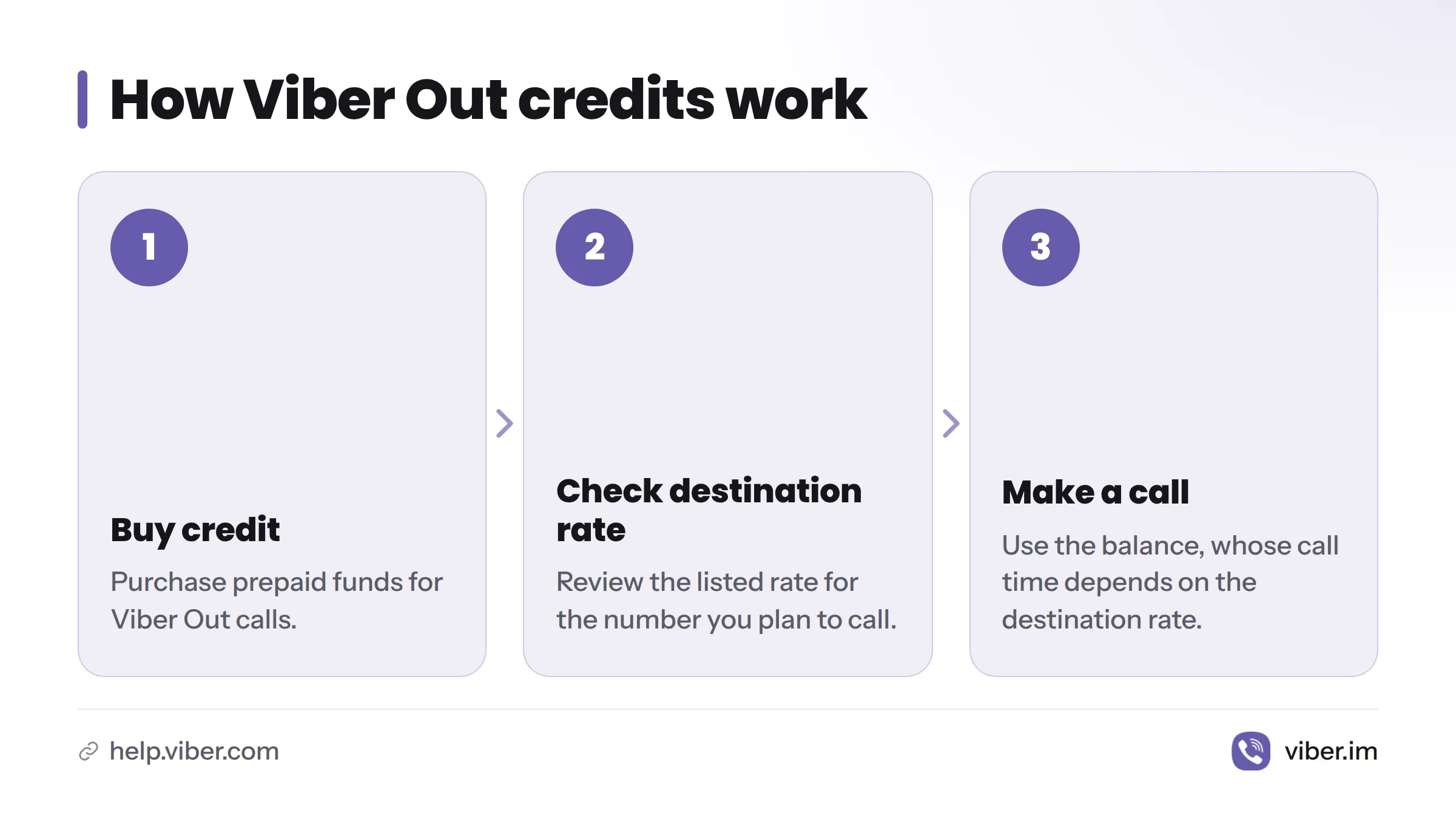
The process is straightforward: buy credit, check the destination and its listed rate, then use the balance for a Viber Out call. Viber’s call and minutes help page explains how to review call and minutes information.
That sequence does not guarantee a specific billing amount for any call. Check the information Viber displays before buying or calling. The official pages cited here do not establish billing-rounding rules, credit expiry, refunds, taxes, or extra fees. Review the terms shown in the app or on Viber’s official pages, since they may vary by market.
Check the destination and number type
Viber Out is intended for calling phone numbers that are not using Viber. Viber’s destination pages show mobile and landline calling for some destinations, but that does not confirm availability for every number type in every country. Verify the destination and number category in Viber before purchasing credit.
Before relying on your balance, check:
- Destination: Rates depend on where you are calling.
- Number type: Confirm that Viber supports the intended mobile or landline number.
- Displayed rate: Use the rate Viber currently lists for that destination, not an old quote or a rate from another country.
- Credit balance: Check the available amount before making a call.
You might use Viber Out to reach a bank, hotel, or family member abroad when they have a regular phone number rather than a Viber account. The same checks apply. A call does not become free simply because you place it through the Viber app.
Buying Viber Out credit in the app
You can buy Viber Out credit in the app. Open the credit purchase area and review the details shown before confirming. Labels and menus may differ by device or app version, so this guide does not assume a specific button name or path. For more help, see the Viber Out credit top-up guide.
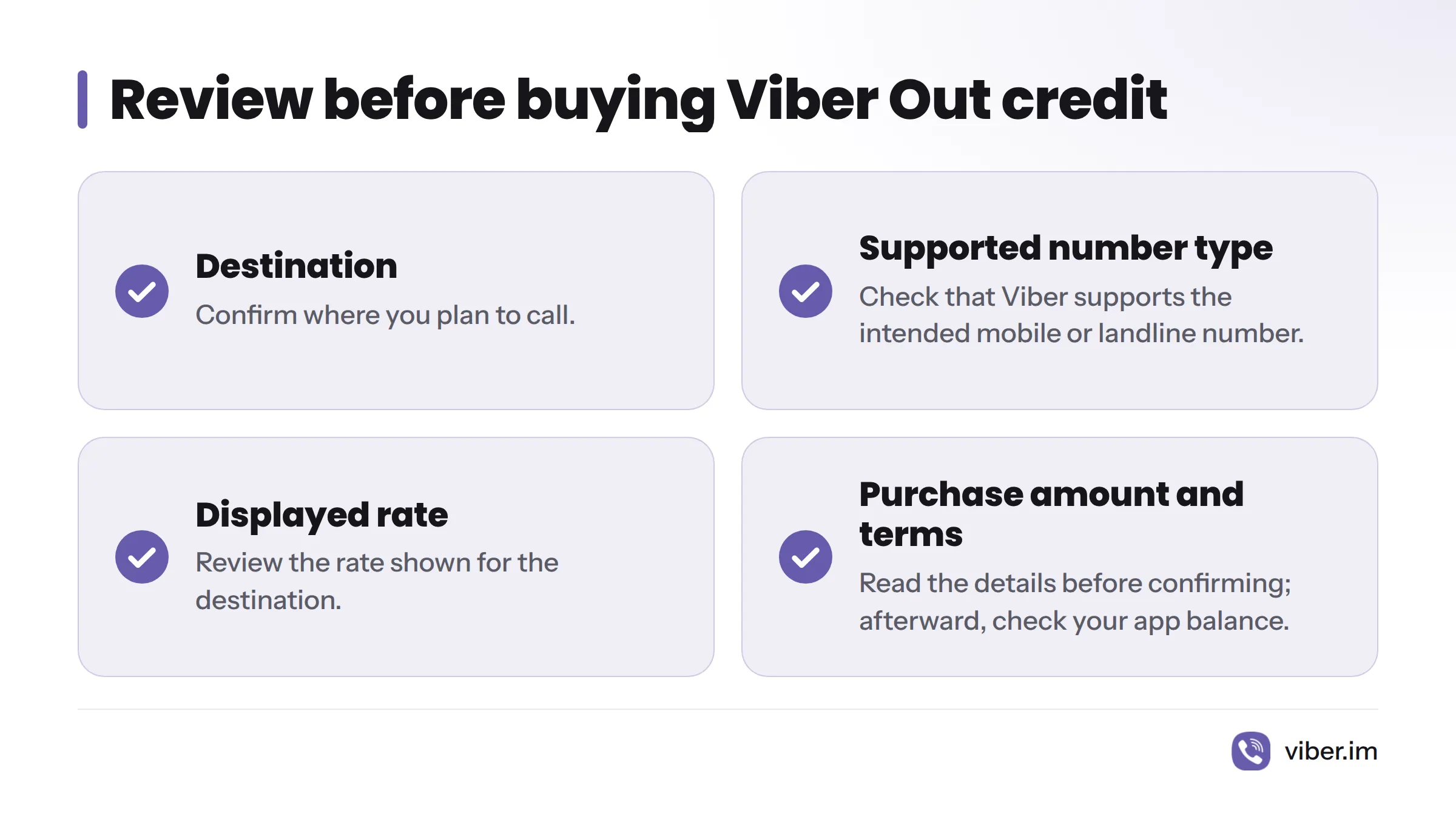
Before completing a Viber Out in-app credit purchase, review the destination you plan to call, the supported number type, the displayed rate, and the purchase amount and terms. Afterward, check the balance shown in the app. Viber’s help instructions for calls and minutes explain how to review call information.
If the purchase terms are unclear, pause and consult the official Viber site or Viber Help. Payment options and purchase terms may depend on your account and market.
Where to check Viber Out rates
Viber Out rates are listed by destination. A rate for one country does not tell you what a call to another country will cost. Check Viber’s official rate display for the place you intend to call before estimating what your credit will cover.
The Viber Out destination page shows how Viber presents a destination rate. It is an example, not a price guide for other destinations. Viber’s published pages cited here do not confirm a universal per-minute rounding rule or whether mobile and landline rates always differ. Check the rate details for the destination and number type in the app. A past quote is not a guarantee of Viber Out international call rates in 2026.
Common questions about Viber Out credits
Does the person I call need Viber?
No. Viber Out is for calling phone numbers that do not use Viber. Availability may vary by destination and number type, so check those details in the app.
Where can I find a destination’s current rate?
Use Viber’s destination rate display or check the rate shown in the app before buying credit or calling. Make sure it matches the destination you plan to call.
Where can I check my balance or call history?
Check the balance displayed on your account in the Viber app. For call and minutes records, follow Viber’s official instructions.
Do Viber Out credits expire, or can I get a refund?
The official references cited here do not establish one rule for every market. Read the terms Viber shows before purchasing, or contact Viber Support if expiry or refunds affect your decision.
Viber Out is separate from free Viber-to-Viber calls. Read about Viber’s free calling feature or see the guide to making international calls with Viber Out. For purchase help, visit the Viber Out credit guide.