
Viber (вайбер) is Rakuten’s messaging and internet-calling app. People use the Viber app to exchange messages and media, make voice and video calls, and take part in group conversations. Download it from Viber’s website or your device’s official app store. Calls between Viber users use an internet connection; Viber Out calls to regular phone numbers may cost money.
At a glance
| Question | Short answer |
|---|---|
| What is Viber? | A messaging and calling app from Rakuten Viber. |
| Where can I get it? | Use the Viber download page or your device’s official app store. |
| Is it free? | The app is free to download. Your internet provider may charge for data, and Viber Out has separate rates or plans. |
| Is it secure? | Viber says eligible personal chats and calls are end-to-end encrypted. That does not protect every part of account use or every copy of a message. |
| Is this the login page? | No. This guide on viber.im is informational, not Viber’s official account or support portal. |
What is Viber (вайбер)?
Rakuten Viber Messenger is an app for messaging and internet calls. The Russian-language search term “вайбер” refers to the same service as “Viber.” People may choose it because friends or family already use it, or because they want calls as well as chat.
Viber is part of Rakuten Group. Its official product site describes the service and links to product information. The familiar Viber experience comes through its mobile apps and desktop software, not a browser login page.
What you can do in the Viber app
Viber brings private conversations, group communication, and calling together. Features and controls can differ by platform and app version, so check the official listing and in-app settings before relying on a particular function.
| Feature | What it does | A good fit | Note |
|---|---|---|---|
| Chats and media | Sends text and shares photos, videos, and other supported files. | Keeping in touch with friends or family. | File options and limits may vary. |
| Voice and video calls | Connects Viber users over the internet. | One-to-one calls or catching up with family. | Quality depends on the connection and devices. |
| Group chats and calls | Brings several people into a shared conversation or call. | Planning a visit or speaking with relatives. | Check the app for current group limits. |
| Communities and channels | Supports larger public-facing conversations. | Following shared interests or public discussion. | Check who can post and what members can see. |
| Stickers and GIFs | Adds visual responses to chats. | Casual conversations. | Some content may be a paid extra or depend on account settings. |
| Desktop app | Lets people use Viber on a computer after setting up an account on a phone. | Typing longer messages at a computer. | Desktop software is not the same as Viber web. |
For more on chats and calls, see our Viber mobile features guide and voice and video calling guide.
Is Viber free? App calls and Viber Out
Messages and calls between Viber users travel over the internet and carry no per-call Viber fee. Your mobile carrier or internet provider may charge for data, and roaming can add costs. Viber Out is a separate service for calling regular mobile or landline numbers. Rates, plans, country coverage, and purchase options can vary.
| Call type | Who you reach | Viber charge | Check before calling |
|---|---|---|---|
| Viber-to-Viber | Another Viber user | No per-call fee for internet calls | Data use and whether the other person can use Viber. |
| Viber Out | A regular phone number | Rates or plan terms may apply | Destination and rate shown before the call. |
Check the Viber Out rates page before calling abroad. A call does not become free just because it starts in the Viber app. Our guide to Viber calls over the internet explains the difference between app-to-app calls and calls to phone numbers.
How to get Viber safely
Use the official store or download route for your device. Avoid search ads, file-sharing pages, and unofficial APK sites that imitate app listings.
- Android: Open the Google Play listing for Rakuten Viber Messenger. Check the app name and publisher before installing.
- iPhone or iPad: Find Viber in the Apple App Store and review the developer information and app details.
- Windows, Mac, or Linux: Start at Viber’s official download page and select the option shown for your computer.
- Before opening the app: Review requested permissions. Get updates through the same official store or Viber’s site.
An APK is an Android installation package. An APK from outside Google Play could be altered or malicious, especially when you cannot confirm who made it or whether someone changed the file. Unless you have a specific, trusted reason to install a Viber APK, use Google Play. Never enter your activation code on a download site.
People searching for “Viber web” should distinguish a browser page from the desktop program. Viber’s official download page lists desktop software; that does not establish that Viber offers browser-based chat. Check the official site for computer options, and do not enter account details on a third-party page claiming to be Viber Web.
Viber login, activation, and account recovery
Viber activation starts with the phone number linked to the account. Screens and recovery options can change, so follow the app’s prompts and the official Help Center. Never share an activation code with a caller, message sender, or supposed support agent.
To activate Viber on a phone:
- Install the app from your device’s official store.
- Enter your phone number with the correct country code.
- Request a verification code using an option shown in the app, such as SMS or a call.
- Enter the code only in the Viber app. If the number is not yours or you no longer control it, stop and check Viber’s recovery guidance.
- Review chat-backup options before changing devices. Restoring conversations depends on the platform and settings used before; do not assume every chat will return automatically.
To use Viber on a computer, activate the phone app first, then follow the desktop app’s pairing or activation instructions. Our article on using Viber across devices explains the setup. A computer app is not the same as opening a browser and signing in.
If your activation code does not arrive:
- Check the country code and phone number, including any leading digits the app expects.
- Confirm the phone can receive SMS or calls and has a mobile signal.
- Wait briefly before asking for another code. Repeated requests can cause confusion or temporary limits.
- Try another verification method only if the app offers one.
- If you changed numbers or lost access to the number linked to your account, contact Viber through its official Help Center.
To restore chat history, first check whether a backup exists for the account and platform. Our Viber chat backup guide explains why it helps to plan before switching phones. A backup cannot restore messages that were never saved, and recovery may be impossible if the old device is unavailable.
Viber privacy and security
End-to-end encryption means a covered message is encrypted on the sender’s device and intended to be decrypted on the recipient’s device. The provider should not be able to read its content while it travels between those devices. The term does not mean every account detail, backup, device, or recipient action receives the same protection. See the Wikipedia overview of end-to-end encryption for a general explanation.
Viber says personal chats and calls receive end-to-end encryption. That is the company’s description of its service. Read Viber’s privacy policy for its data practices and its security information for the protections it describes.
| Privacy feature | What it can mean | What it does not promise |
|---|---|---|
| End-to-end encryption | Helps prevent an intermediary from reading covered chat and call content in transit. | A recipient can still copy, photograph, or share content. |
| Disappearing messages | Can limit how long selected messages stay visible, according to the feature’s rules. | It cannot erase screenshots, separate copies, or every backup. |
| App lock or device security | Adds a barrier when someone tries to use an accessible device. | It does not protect an account if someone gets the activation code or controls the phone number. |
| Privacy controls | Let users manage selected profile and contact settings. | They do not make every interaction anonymous. |
Read our Viber privacy settings guide for a settings walkthrough. Use a strong device passcode, keep the app and operating system updated, and treat unexpected requests for verification codes as a warning. A messaging service cannot control what a recipient does with a message after seeing it.
Viber or WhatsApp?
The better choice depends on which app your contacts use and whether its features, costs, and privacy terms suit you. I would start with the people you need to reach, rather than a feature list.
| Need | Viber | |
|---|---|---|
| Friends and family | Useful when your contacts use Viber. | Useful when your contacts use WhatsApp. |
| Messages and internet calls | Offers chats, voice calls, and video calls. | Offers chats, voice calls, and video calls. |
| Larger groups or public discussion | Includes Communities and channels; check current controls and limits in the app. | Includes group and community tools; check official product information for available features. |
| Calls to regular phone numbers | Viber Out may call phone numbers for a fee, subject to rates and coverage. | WhatsApp calling is app-to-app, not a general paid dial-out service to regular numbers. |
| Computer use | Offers desktop software linked to a Viber account. | Offers computer access through supported desktop or browser options. |
| Privacy information | Read Viber’s security and privacy pages for its claims and data terms. | Read WhatsApp’s security information and privacy materials. |
If most of your friends or relatives use Viber, it may be the practical choice. If they use WhatsApp, switching may not help you reach them. See our Viber and WhatsApp comparison, then compare the official WhatsApp features page with Viber’s product information rather than relying on old feature lists.
Who Viber suits, and when to compare other apps
Viber may suit people whose friends, relatives, or communities already use it and who want chats, internet calls, group conversations, or a desktop app. Communities and Viber Out may also matter to people looking for public discussion or a way to call regular phone numbers.
Compare other messengers if your contacts use a different app, you need a browser-only chat service, or you expect international calls to ordinary phone numbers to be free. Privacy-conscious users should look beyond the encryption label and review backups, data handling, recipient behavior, and account recovery.
Viber’s practical advantage is simple: it can connect you with the people who use it. Its limitation is just as direct: it is less useful when your contacts are elsewhere.
Common Viber problems and safe fixes
If Viber will not activate, calls fail, or messages arrive late, check basic causes before changing account settings.
- Test the connection. Switch between Wi-Fi and mobile data if possible. Try another app or webpage to check whether the connection works.
- Update from an official source. Check Google Play, the Apple App Store, or Viber’s download page.
- Review device settings. Check notification permissions, background data, and microphone or camera access as relevant. Setting names vary by device.
- Restart the app and device. Close Viber and reopen it. Restart the phone or computer if the problem remains.
- Check account access safely. For activation trouble, confirm the phone number and ability to receive a code. Do not give the code to anyone.
- Contact Viber. If the issue continues, use the official support center and include your device, operating system, app version, and a short description. Do not post private chat content or verification codes.
If Viber works poorly in a particular country, possible causes depend on the device, connection, service availability, and local conditions. Without reliable evidence for a specific region, naming one cause or making a claim about restrictions in Russia would be misleading. Check Viber’s official service information and local network or consumer guidance.
Before you install Viber
Choose Viber if the people you want to contact use it and its calling, group, and privacy options fit your needs. Consider another messenger if your contacts are elsewhere, you need a browser-first experience, or you prefer different calling or privacy terms.
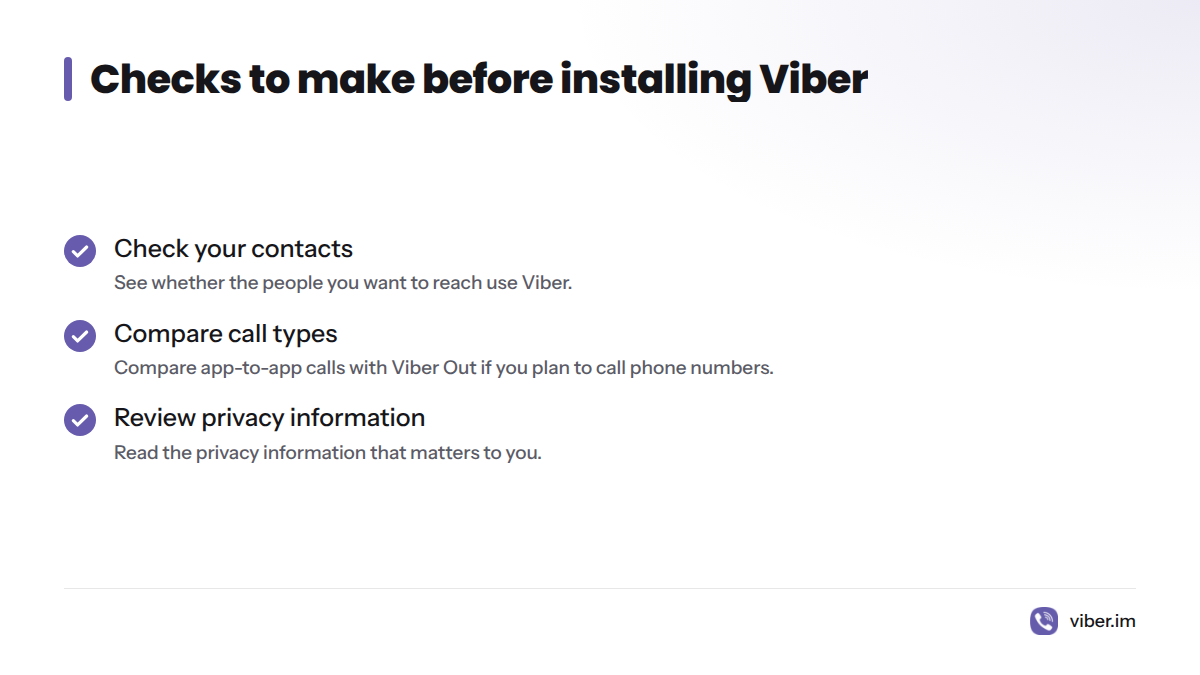
Before installing, check whether your contacts use Viber, compare app-to-app calls with Viber Out if you plan to call phone numbers, and read the privacy information that matters to you. Those checks can help avoid a surprise call charge.
Frequently asked questions
Is Rakuten Viber Messenger free to download?
Yes. Viber is free to download from official app stores and its website. Internet access may incur data charges, and Viber Out calls to regular phone numbers may cost money.
Which devices support Viber?
Viber provides mobile apps and desktop software. Check its download page for options for Android, iPhone or iPad, Windows, Mac, and Linux. Compatibility can depend on the operating-system version.
Can I use Viber in a browser?
Do not assume “Viber web” means browser chat. Check the official download page for desktop software supported on your computer. Avoid entering Viber login details on an unofficial web page.
How do I sign in to Viber?
Install the app, enter the phone number linked to your Viber account, and follow the verification prompts. Desktop setup follows instructions in the app and may require an active phone account.
How can I restore my Viber account or chat history?
Start with the official Help Center and the phone number linked to the account. Restoring chats depends on whether a backup exists and on the platform and account settings. Recovery is not guaranteed if you cannot access the account or have no backup.
Are Viber calls free?
Calls to other Viber users use an internet connection and have no per-call Viber fee. Data charges may apply. Viber Out calls to regular phone numbers may have rates or plan terms, so check the destination before calling.
Are Viber messages end-to-end encrypted?
Viber says personal chats and calls are end-to-end encrypted. Recipients can still save or share content, and the encryption statement does not settle questions about backups, metadata, device access, or account security. Read Viber’s security and privacy information for details.
Why are Viber messages or calls delayed?
A weak connection, device settings, an outdated app, or a temporary service issue may contribute. Test the connection, update the app through an official source, check permissions, and contact Viber support if the problem continues.
How do I contact Viber if I cannot access my account?
Go to the Viber Help Center and follow its account-access guidance. Use a trusted browser, and never share your activation code with anyone claiming to help.
Sources
- Viber official download page, Rakuten Viber
- Viber product site, Rakuten Viber
- Viber Help Center, Rakuten Viber
- Viber privacy policy, Rakuten Viber
- Viber security information, Rakuten Viber
- Viber Out rates, Rakuten Viber
- Rakuten Viber Messenger on Google Play, Google
- Viber Messenger on the App Store, Apple
- End-to-end encryption, Wikipedia
- WhatsApp security, WhatsApp
- WhatsApp features, WhatsApp