
Viber lets people message, share media, and make voice or video calls with other Viber users over the internet. Its Viber Out service adds paid calls to regular mobile and landline numbers. This guide is published independently by Viber.im; it is not the Viber service.
What is Viber?
Also called Rakuten Viber Messenger, Viber is a messaging and calling app for phones and computers. It supports chats, media sharing, and internet calls between Viber users. You can find mobile and desktop installers on Viber’s official download page. Rakuten describes the service on the Rakuten Viber website.
Viber calls use Voice over Internet Protocol (VoIP), which carries voice over an internet connection instead of a conventional phone line. App-to-app messages and calls therefore need Wi-Fi or mobile data.
What you can do with the Viber app
The Viber messaging app brings private and group conversations together with internet calls and paid calls to standard phone numbers. Features can differ by country, device, and app version, so check Viber’s features page and the app for current availability. For details about video calls, see this Viber video calling guide.
| Feature | What it does | Cost and details |
|---|---|---|
| Messages and media | Sends text and supported media in chats | Requires internet access and a Viber account |
| Voice and video calls | Connects Viber users over the internet | No Viber Out fee for app-to-app calls; mobile-data charges may apply |
| Group chats and Viber Communities | Supports conversations among several people, or around a shared topic | Controls and availability can vary by space and platform |
| Stickers and GIFs | Adds visual content to chats | Some content or features may have separate availability or cost |
| Viber Out | Calls regular mobile and landline numbers | Paid; rates depend on the destination and plan |
A group chat often suits a smaller circle of people, while Viber Communities organize conversation around a topic or audience. Before joining or posting, check who can view messages, who moderates the space, and which membership controls apply. A Community should not be treated as though it has the same privacy settings as a private one-to-one chat.
Is Viber free?
Viber is free to download. Viber messages and calls between app users travel over the internet and do not use Viber Out. Calls from Viber to ordinary phone numbers are a separate paid service. Check Viber Out’s rates for the destination and plan before calling.
| Call type | Recipient | What to expect |
|---|---|---|
| Viber-to-Viber | Another Viber user | Uses Wi-Fi or mobile data; your carrier may charge for data |
| Viber Out | A regular mobile or landline number | Paid service; check the destination rate or plan |
Both people need Viber for a free app-to-app call. The person receiving a Viber Out call does not need the app, since the call reaches a regular number. The caller still needs an internet connection to use Viber Out.
Viber privacy and security
Viber says end-to-end encryption protects the content of supported private messages and calls, so only participants’ devices can read or hear it. Its privacy policy explains the company’s data practices and their scope.
Encryption does not make users anonymous or mean the service collects no other information. Account details, device and service data, contact permissions, backups, and usage information are separate from message content. How these categories are handled depends on the service’s settings and policy. App-store privacy disclosures offer another source of information, but they are not independent security audits.
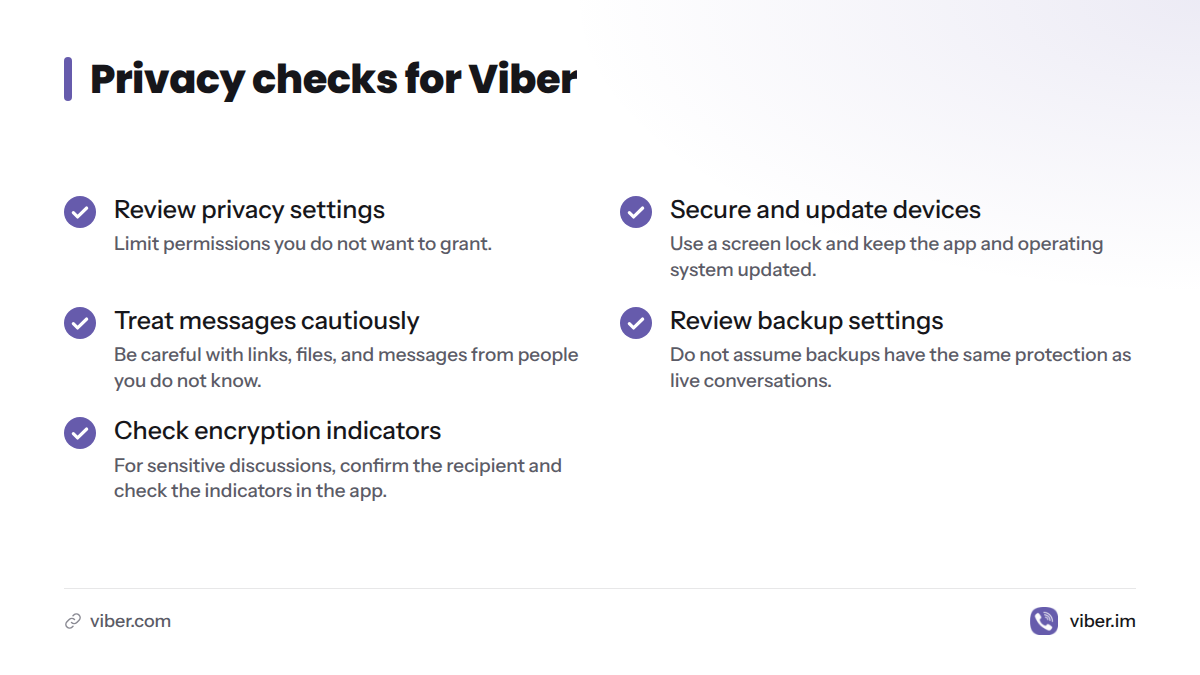
A few checks can help you manage your privacy:
- Review Viber’s privacy settings and limit permissions you do not want to grant.
- Use a screen lock on your phone and keep the app and operating system updated.
- Be cautious with links, files, and messages from people you do not know, including in encrypted chats.
- Review backup settings instead of assuming backups have the same protection as live conversations.
- For a sensitive discussion, confirm the recipient and check the encryption indicators available in the app.
I see encryption as one part of a privacy decision, not a promise of anonymity or protection for every kind of data. The same distinction matters with other messengers. WhatsApp describes its approach on its security page.
Devices that support Viber
Viber provides mobile and desktop downloads. System requirements and regional availability can change, so check the official download directory for an installer that supports your device.
| Device | Official download route | Check before installing |
|---|---|---|
| Android phone or tablet | Google Play listing | Confirm the publisher and app listing |
| iPhone or iPad | Apple App Store listing | Check the iOS version required by the store listing |
| Windows or Mac computer | Viber desktop download page | Check that the installer supports your operating system |
| Linux computer | Check the same official download page | Avoid old third-party installers if Viber does not list a compatible version |
Viber supports mobile and desktop use, but device linking and syncing rules may differ. Follow the setup prompts rather than assuming every device can serve as the account’s main device. This guide to using Viber on two devices covers the subject in more detail.
How to download and start using Viber
For a safer install, use an app store or Viber’s official download page, not a download mirror.
- Open the Viber download page and choose your platform, or visit the official Google Play or Apple App Store listing.
- Check the app name, publisher, and device requirements, then install the app.
- Follow the registration steps and enter a phone number you can access. Viber may ask you to verify the number.
- Review permission requests. Grant contact access only if you want Viber to check your address book for people you can reach.
- Open a chat to send a message, or choose a Viber contact to make an app-to-app voice or video call.
- To use Viber for desktop, download the installer from Viber’s site and follow the app’s linking instructions.
For a mobile walkthrough, read this Viber app download guide. This cross-platform Viber guide covers use across devices.
Viber’s strengths and limits
| What may suit you | What to keep in mind | Practical effect |
|---|---|---|
| Messages and calls in one app | People generally need Viber for app-to-app conversations | It works best when your friends, family, or groups use it too |
| Calls to standard phone numbers through Viber Out | Calls are paid, and rates depend on destination | Check prices before using it for frequent international calls |
| Mobile and desktop downloads | Support and linking depend on system requirements | Confirm your phone or computer is supported before installing |
| Encryption for supported private conversations, as Viber describes | Encryption does not mean anonymity or cover every data category | Review the privacy policy and settings for permissions and backups |
| Internet calling | Calls may use mobile data when Wi-Fi is unavailable | A weak connection can affect call quality, and data may count against your plan |
Viber may not replace every person’s usual communication app. The practical limit is whether the people you need to reach use it. If they do not, you may need another service or a paid Viber Out call to a regular number.
Viber or WhatsApp?
Neither app is the right choice for everyone. Start with the people you need to contact, the devices you use, and whether you need app-to-app calls or calls to regular phone numbers.
| What to compare | Viber | |
|---|---|---|
| Contacts | Useful when your contacts already use Viber | Useful when your contacts already use WhatsApp |
| Calls to regular numbers | Viber Out offers paid calls; rates vary by destination | Check the current WhatsApp features for your location and calling needs |
| Internet calls and chats | Supports messaging and calls between Viber users | Supports messaging and calls between WhatsApp users |
| Privacy | Read Viber’s privacy policy and review app settings | Review WhatsApp’s security information and privacy settings |
| Download | Use Viber’s official download page and store listings | Use WhatsApp’s official site or your device’s app store |
My rule of thumb: start with the app your close contacts actually answer. If you need to call mobile or landline numbers, compare Viber Out’s destination rate with other calling options before paying.
Who may prefer Viber?
Viber may suit people who:
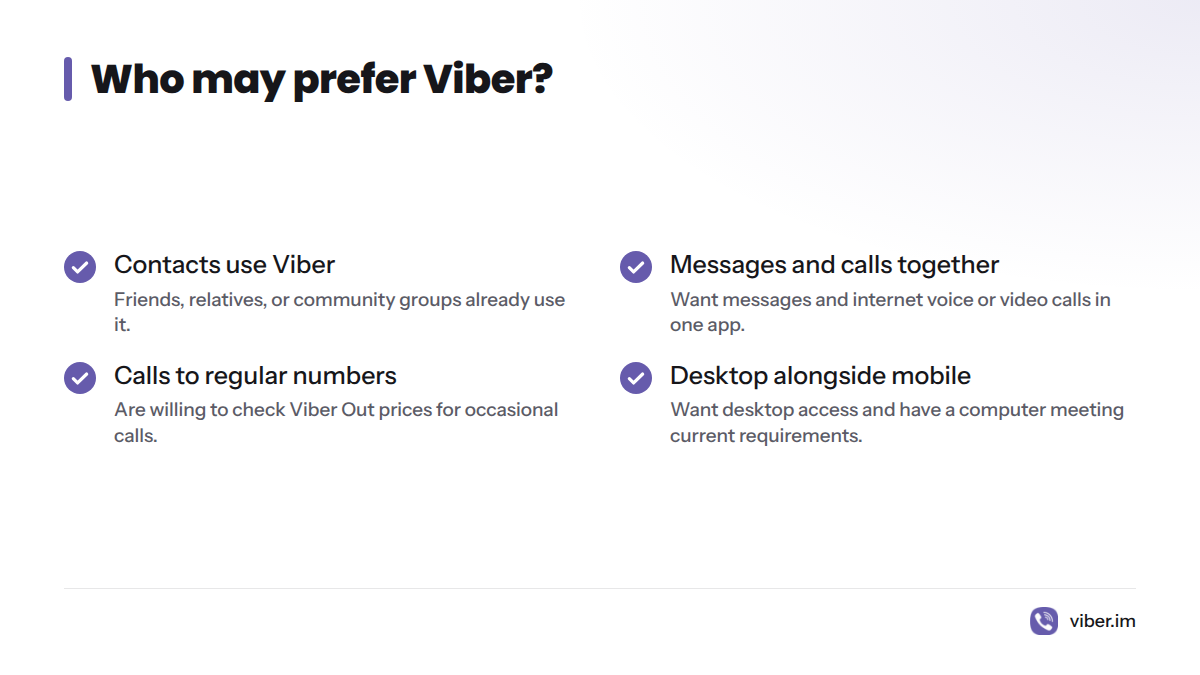
- Have friends, relatives, or community groups who already use it.
- Want messages and internet voice or video calls in one app.
- Sometimes need to call a regular phone number and are willing to check Viber Out prices.
- Want a desktop option alongside a mobile account and have a computer that meets the current requirements.
Another service may be a better fit if your contacts do not use Viber, you prefer a different privacy model, or you mainly want free calls to regular phone numbers. Viber use varies by community. Without reliable local data, it is not safe to assume the app is widely used in the United States or any other country.
Common Viber problems and first checks
| Problem | First checks | What to try next |
|---|---|---|
| Verification code does not arrive | Check the number and country code, signal, and whether the phone can receive messages or calls | Retry using the options in the app; contact Viber through its official help route if the problem continues |
| Contacts are missing | Check contact permission and whether the person has an active Viber account | Add or message the person using the options in the app |
| Calls sound poor or drop | Check Wi-Fi or mobile-data signal, then try another connection | See whether other internet services also have trouble |
| Desktop messages do not appear as expected | Confirm the desktop app is linked and both devices can connect | Review Viber’s linking instructions and supported system requirements |
| A download seems unsafe | Confirm the page is Viber’s official site or a genuine app-store listing | Remove installers from unfamiliar sites and reinstall from an official source |
Frequently asked questions
Is Viber a messaging app or a calling app?
Both. Viber offers messages and internet voice and video calls between users, as well as Viber Out for paid calls to ordinary phone numbers.
Does Viber work without Wi-Fi or mobile data?
No. Viber messages and internet calls need an internet connection, through Wi-Fi or mobile data.
How much mobile data do Viber calls use?
Usage depends on call length, connection quality, and whether the call uses voice or video. Check your phone’s data-use settings to see how much Viber uses on your device. Wi-Fi can help you avoid mobile-data charges.
What is the difference between a Viber group chat and a Community?
A group chat is for a conversation among several participants. A Community organizes discussion around a shared audience or topic. Check its membership, visibility, and moderation controls before sharing personal information.
Is Viber better than WhatsApp?
That depends on which app your contacts use and what you need. Compare calling options, privacy settings, supported devices, and any paid calls to phone numbers rather than relying on a universal ranking.
Is Viber used in the USA?
People in the United States can check Viber’s official store listings for availability, but that does not show how popular it is there. Ask the people you want to reach which app they use.
Sources
- Viber official download page, Rakuten Viber
- Rakuten Viber official website, Rakuten Viber
- Viber features, Rakuten Viber
- Viber Privacy Policy, Rakuten Viber
- Rakuten Viber Messenger on Google Play, Google
- Viber Messenger on the App Store, Apple
- Security, WhatsApp
- Voice over Internet Protocol, Wikipedia