
Viber Communities bring people together around a shared interest or purpose. Compared with a standard group chat, they support unlimited members, topic channels, and administrator roles, according to Viber’s Communities page. If you’re deciding whether to join or create one, start by choosing the format that suits the size and structure of the conversation.
What is a Viber Community?
A Viber Community is a shared space for conversation, organized around a subject or purpose. Viber describes three distinctions: unlimited membership, topic channels for organizing discussion, and administrator roles for managing the space.
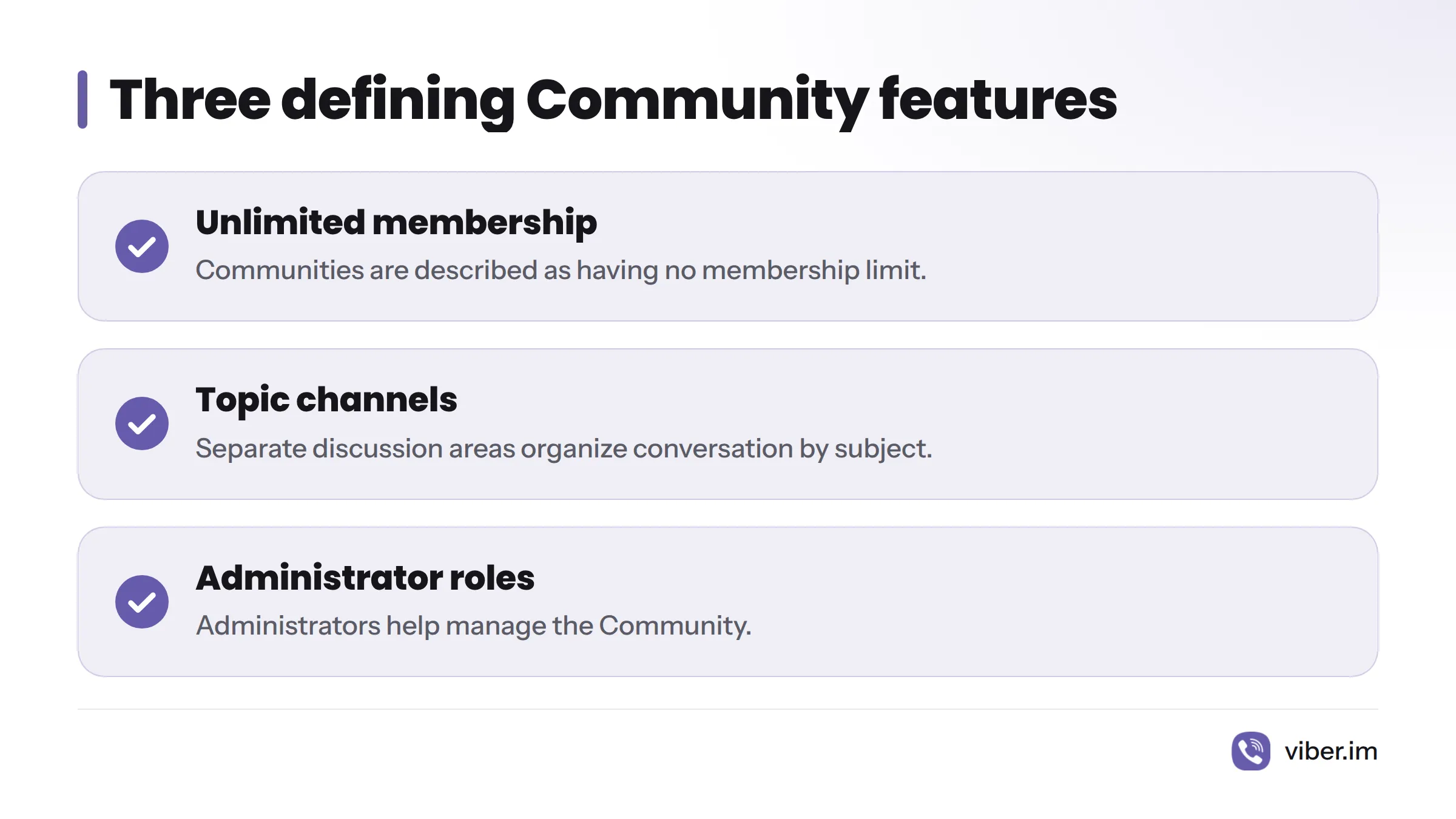
The app’s layout and controls can vary, so treat those terms as a general description rather than a promise that every Community will look or work exactly the same way.
Community or group chat?
A Community suits a larger audience or a conversation that benefits from separate topic areas. A group chat works well when a known set of people needs one shared conversation. Viber describes the Community format on its Communities page; its separate group chat guide covers the other format.
| A Community may suit you if… | A group chat may suit you if… |
|---|---|
| Many people share an interest or purpose. | You’re bringing together a known set of contacts. |
| Different subjects need their own discussion areas. | One shared conversation is enough. |
| Administrators need to manage the space. | You don’t need separate topics or Community roles. |
I’d choose the simplest format that meets the need. For a few contacts, follow this guide to create a Viber group. For a larger interest-based conversation, consider a Community.
How to join a Viber Community
You can look for a Community through Viber’s discovery or search options, if those appear in your app, or ask a member or administrator for an invitation link. Search results and app screens may differ, so not every Community will necessarily appear in search.
Find one through discovery or search
- Open Viber and look for a Communities discovery or search option.
- Search for the Community’s name or a subject that interests you.
- Open a result and review the information shown.
- Follow the join prompt, if one appears.
If a search turns up nothing, ask the organizer whether the Community can be found that way or request an invitation link. Viber’s Communities page describes the format; the app shows the options available to you.
Join with an invitation link
Open the link on a device with Viber installed, then follow the prompt. If the link fails or no join option appears, ask the sender to check it or share another invitation. Menu names can change, so follow the instructions shown in your version of the app rather than relying on an old button name.
How to create a Viber Community
Start with the Community creation flow in Viber and follow the prompts on screen. Be prepared to choose a name and enter the details requested during setup. Menu wording and available choices may vary by app version. Viber.im also has a guide to creating and managing Communities.
A Community may be more structure than you need if a single conversation among a few people will do. In that case, a group chat is the simpler choice.
Topics, members, and administrator roles
Topic channels
Topic channels divide discussion by subject within a Community. Members can follow the areas relevant to them while remaining part of the same Community. Check the app to see which topics a particular Community has set up.
Members and administrators
Members take part in the conversation. Administrators have roles for managing the Community, though their exact permissions may depend on its setup. Don’t assume every administrator has the same controls or that every member can post in every topic. The Community’s settings show what participants can do. For a walkthrough, see the Community management guide.
Permissions and discovery are separate
Permissions determine how people can participate. Discovery determines whether they can find a Community through search or other options. A Community might be shared by invitation even if it doesn’t appear in your search results. Ask an administrator about posting rules or who can manage content.
When to choose a Viber Community
Choose a Community when you expect a broad interest-based conversation, want to divide discussion by topic, or need administrator roles. A group chat is a better fit for one conversation among people who already know one another. The right choice is the one that gives the conversation enough structure without adding more than it needs.
For background on Rakuten Viber, see the encyclopedia entry. Viber’s product information is available on its website.
Frequently asked questions
What is the difference between a Viber channel and a Community?
They are separate Viber formats. Viber describes Communities through unlimited membership, topic channels, and administrator roles. For details on channels, see the Viber channels guide and check the feature descriptions in your app.
How do I find a Viber Community? Are all Communities searchable?
Try Viber’s discovery or search option if it appears in your app, or ask for an invitation link. Don’t assume every Community will appear in search. If you can’t find one, contact its organizer.
Can I join with an invitation link?
Yes. Open the link on a device with Viber installed and follow the app’s prompt. If it doesn’t work, ask the sender to check the link or send another invitation.
Who can manage a Community, and what can administrators control?
Administrators have management roles, but permissions may vary with the Community’s setup. Check its settings or Viber’s help information for the controls that apply.
How do I create a Community, and which device can I use?
Open Viber’s Community creation flow and follow the prompts in your app. Check that the option appears in your version of Viber rather than relying on instructions for another platform. Viber’s official Communities page describes the product.
Is Viber still available?
Viber maintains a product website and an official Communities page. The options you can use may depend on your app and location, so check Viber’s pages or the app for details.