
Deleted Viber messages may return if a backup made before deletion contains them. Start by checking the backup date. Then confirm Viber’s restore instructions for your phone and account. Without a suitable backup, recovery is not assured.
Check the backup date before restoring
A backup can only include chat data saved when Viber created it. If the backup came after the messages disappeared, it may not contain them.
Open Viber’s backup settings and compare the most recent backup date with when you first noticed the messages were missing. A backup from before that point is worth checking, but it does not guarantee that every message will return.
| What you find | What to do |
|---|---|
| The backup predates the missing messages | Confirm the account and phone requirements, then follow Viber’s restore instructions. |
| The backup came after deletion, or no backup appears | Do not expect it to contain the deleted messages. Recovery is not assured. |
| The date or backup status is unclear | Pause and check Viber’s Help Center before restoring. |
Do not restore based on a guess. If you cannot identify a suitable backup, avoid uninstalling and reinstalling Viber in the hope that older messages will reappear. Reinstallation alone does not show that an earlier chat history is available.
Confirm the account and phone requirements
The backup service depends on the phone platform. Check that you can access the account associated with the backup, then review Viber’s Help Center for the requirements and steps that apply to your app version. Menu labels and options may differ between versions.
| Phone platform | Backup service to check | Before you proceed |
|---|---|---|
| Android | Google Drive | Confirm the Google account linked to the backup and check Viber’s instructions for your app version. |
| iPhone | iCloud | Confirm the Apple account and iCloud backup status, then check Viber’s instructions for your app version. |
Use the Viber account associated with the chat history and the cloud account that holds the backup. A backup may not appear automatically after a phone, account, or phone number change. Confirm that your setup meets Viber’s requirements before proceeding.
Restore chat history with Viber’s instructions
Viber’s built-in recovery route restores chat history from an available backup; it does not request one deleted message as a separate item. Use the restore option shown in Viber and follow the on-screen prompts. I would avoid relying on menu paths from an old tutorial, since labels can change between app versions.
Android
- Check the backup date and confirm the Google account linked to it.
- Open Viber’s backup and restore controls, then follow the Android instructions in the Viber Help Center.
- Follow the prompts in the app. If the backup or restore option you expect does not appear, stop and consult Viber’s troubleshooting guidance rather than guessing.
iPhone
- Check the backup date and confirm the iCloud account used for it.
- Open Viber’s backup and restore controls, then follow the iPhone instructions in the Help Center.
- If the backup is missing, verify your account and phone details before taking another step.
Before confirming a restore, check what Viber says about newer or existing chats for your app version. Do not assume the restore leaves newer messages untouched. If the effects are unclear, ask Viber Support before proceeding.
Check the restored conversations and attachments
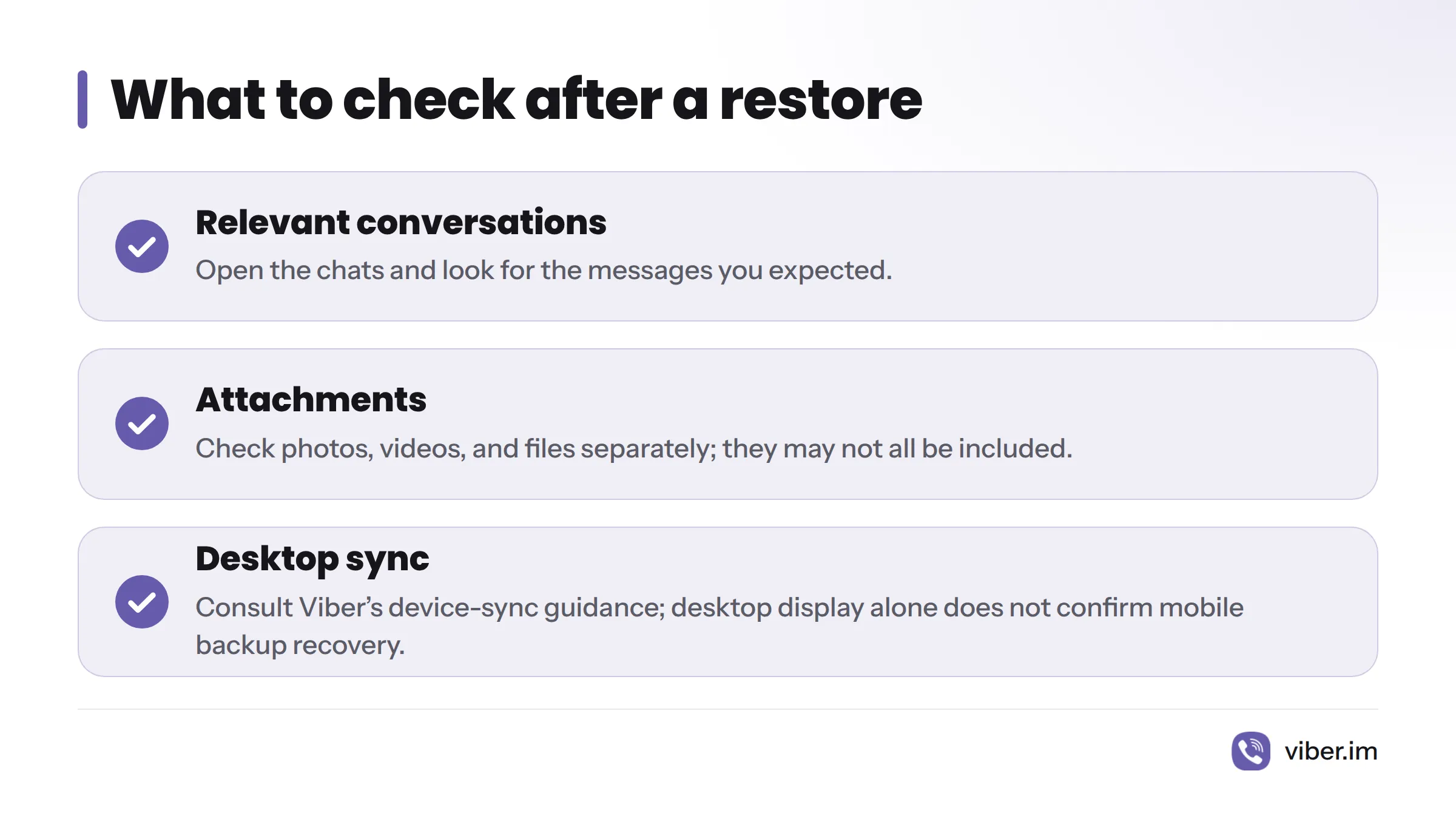
After the restore, open the relevant chats and look for the messages you expected. Check attachments separately. Photos, videos, and files may not all be included, so confirm this in Viber’s instructions rather than assuming they returned.
If you need help finding a conversation or phrase, see this guide to searching Viber message history.
Treat Viber on desktop as a separate matter. A conversation displayed or synced on a computer does not, by itself, show that desktop can restore a mobile backup or recover deleted messages. For device-sync questions, consult Viber’s guide to syncing across devices and verify what applies to your setup.
Know the limits of message recovery
Restoring chat history applies data saved in a backup. That is different from asking Viber to retrieve one deleted message directly. Do not assume Viber can fetch an individual message from its systems; the documented route to check is its backup and restore guidance.
The result depends on the backup and the instructions for your phone. Confirm whether attachments are included and what will happen to newer chat history. If Viber’s guidance does not answer those questions, pause and contact Viber Support before confirming the restore.
If there is no backup from before deletion
Without a verified pre-deletion backup, there is no confirmed native backup to restore from. This does not prove that every possible recovery method is impossible, but Viber’s documented backup route does not promise recovery in that situation. Treat third-party recovery tools and general Android or iPhone recovery claims as unsupported unless Viber says otherwise.
To protect future conversations, follow this guide to back up Viber chat history. For more context, read the related Viber deleted-chat guide or the Viber article on Wikipedia.
Sources
Related: back up Viber chat history