
An unexpected Viber message can make it hard to decide whether to reply, report it, or ignore it. Treat unsolicited offers, urgent requests, and unfamiliar links as warning signs, not proof of fraud. Don’t open a link you weren’t expecting or share passwords, verification codes, or financial details.
Viber’s controls may differ between private chats and Communities. Check the Viber Help Center for instructions that match your app and device before reporting content. The sources linked here do not confirm exact menu paths or Community controls.
Signs a Viber message may be spam
A message may deserve caution if it comes from someone you don’t know, promotes an offer you didn’t request, or pressures you to click a link or share information. None of these signs alone proves that the sender has violated Viber’s policies. A legitimate person or business might contact you unexpectedly.
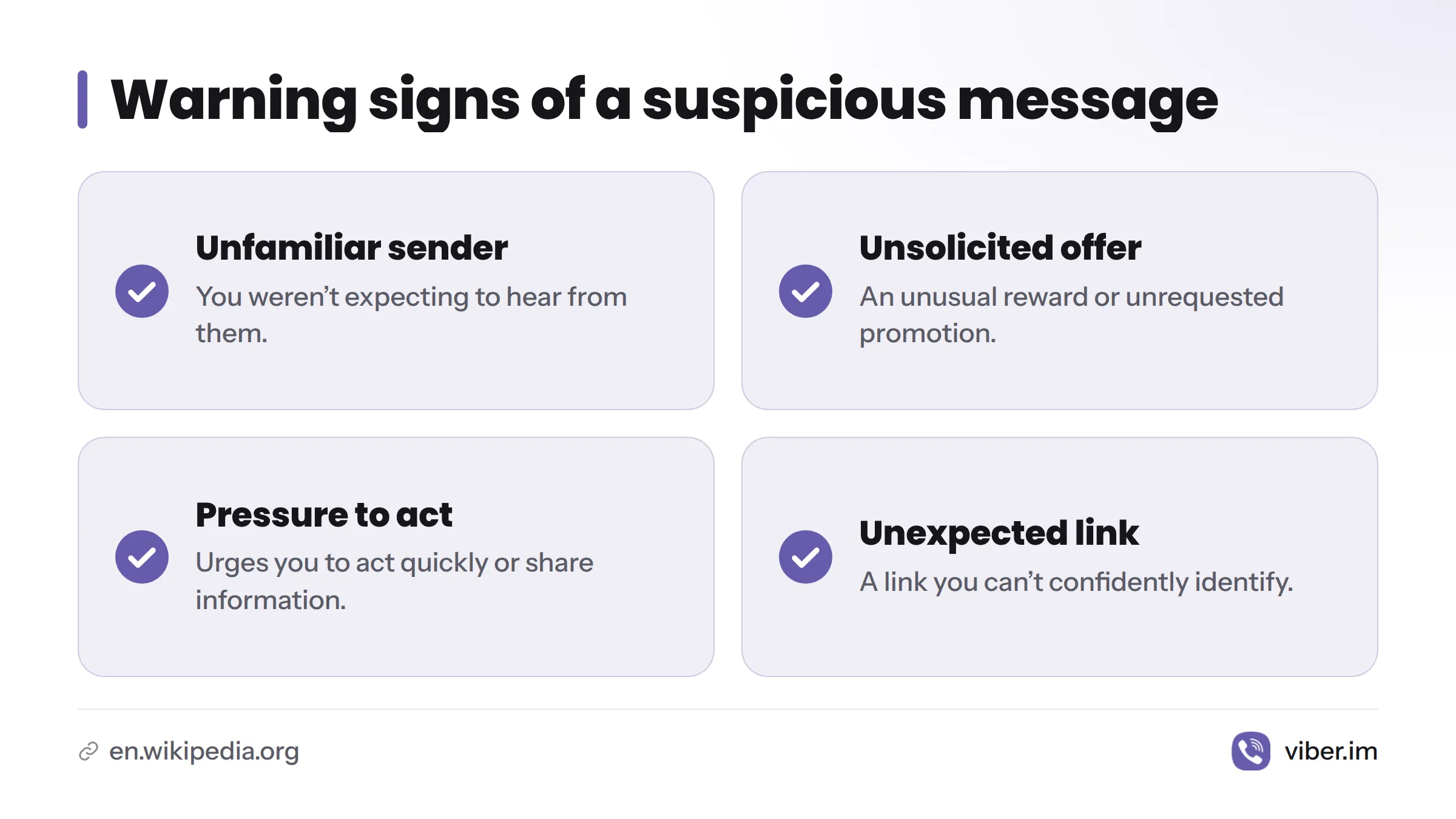
Before replying, consider whether the message:
- Comes from an unfamiliar sender when you weren’t expecting to hear from them.
- Promises an unusual reward or promotes an unsolicited offer.
- Pressures you to act quickly, share sensitive information, or move the conversation elsewhere.
- Includes a link you didn’t expect or can’t confidently identify.
A suspicious link can point to a phishing attempt, but its presence alone doesn’t prove the message is fraudulent. The “Phishing” overview from Wikipedia explains the general concept. Don’t open a link to investigate it.
Check where the content appeared
A private message, a Viber Community post, and a call may have different controls. Don’t assume that instructions for reporting a chat also apply to calls or Community posts. This guide covers messages and Community content, not call reporting.
Report a message or chat through verified instructions
The sources available for this article don’t confirm the exact label, location, or steps for Viber’s message-reporting control. App menus can change, so don’t rely on an old screenshot or an unverified video. Open the relevant conversation and check the Viber Help Center for instructions that match your version of the app and device.
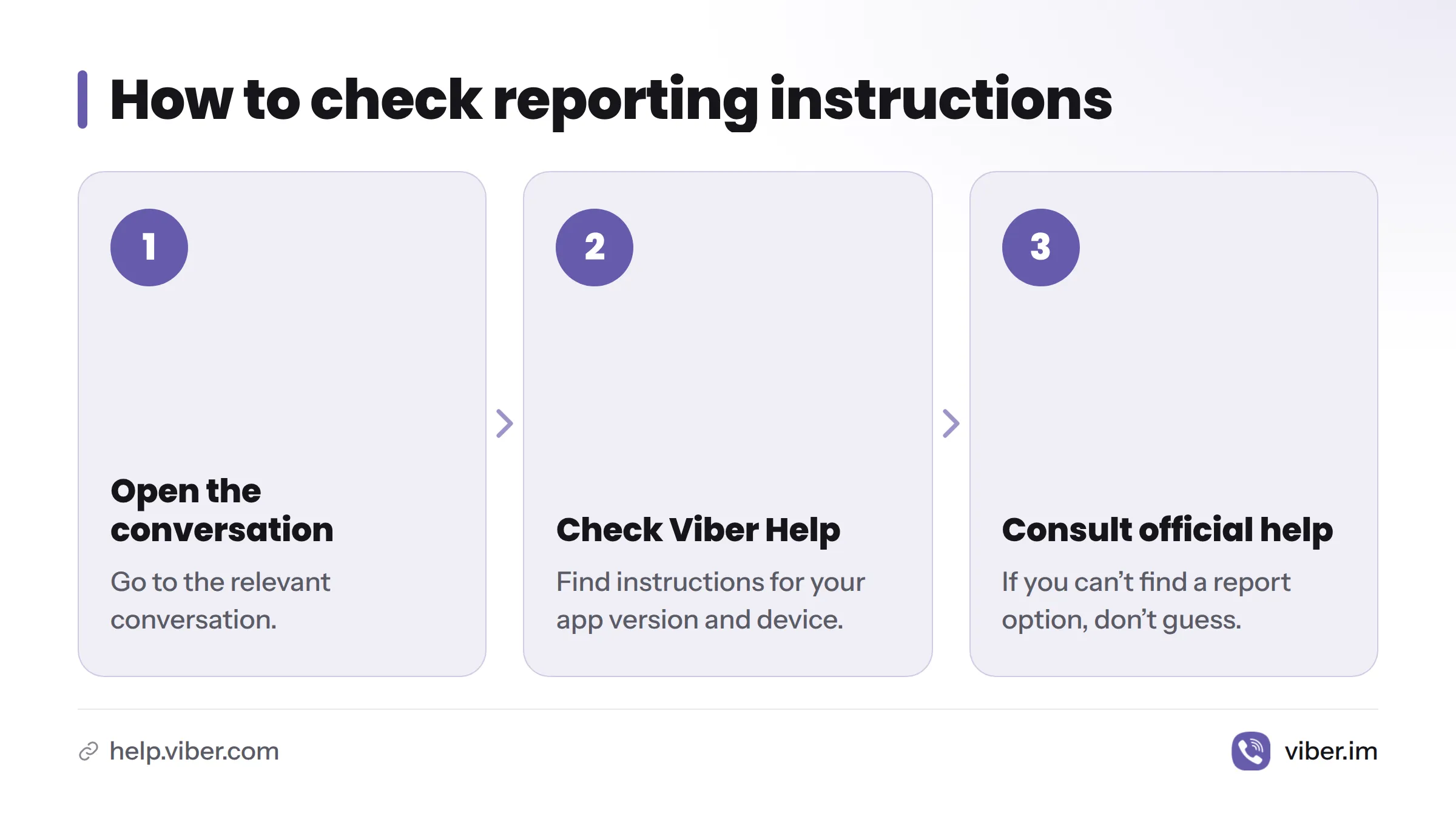
If you can’t find a report option, consult Viber’s help pages rather than guessing. Don’t reply to a suspicious sender or open a questionable link to test the message. You can also visit Viber’s official website for product information.
Look for a confirmation only if Viber’s instructions say one should appear. The available sources don’t verify the wording or appearance of a confirmation, so there’s no basis to expect a particular banner, screen, or notification.
Reporting and blocking serve different purposes. For instructions on stopping contact from one person, see this guide to blocking a contact on Viber. This article doesn’t provide steps for blocking an individual contact.
A report does not guarantee that Viber will remove content, suspend an account, respond within a set time, or prevent further messages. Don’t assume that Viber has taken action unless its own guidance confirms the outcome.
Check Community-specific reporting guidance
Community posts may have controls that differ from private chats. The sources available here don’t verify which controls Viber provides, whether they depend on a member’s role, or how to use them. Check the Help Center for instructions that apply to Communities. Don’t substitute private-chat directions.
Use a reporting option only if Viber documents it for Community content. If you can’t find one, consult official help or ask a Community administrator what route is available. Don’t assume an administrator can see a report, that a post will be removed, or that every member has the same controls.
| Where the content appears | What to do | What not to assume |
|---|---|---|
| Private message or chat | Check the Help Center for steps that match your app version | A report guarantees action against an account |
| Viber Community | Look for Community-specific instructions | Chat controls and member permissions work the same way |
Reduce the risk from unwanted messages
Check Viber’s official help pages to see which spam controls your app provides. The sources available here don’t verify the name, location, or effect of a setting such as an automatic spam check, so this guide doesn’t give a menu path or promise that a setting will stop unwanted messages. For broader account information, read Viber privacy and security.
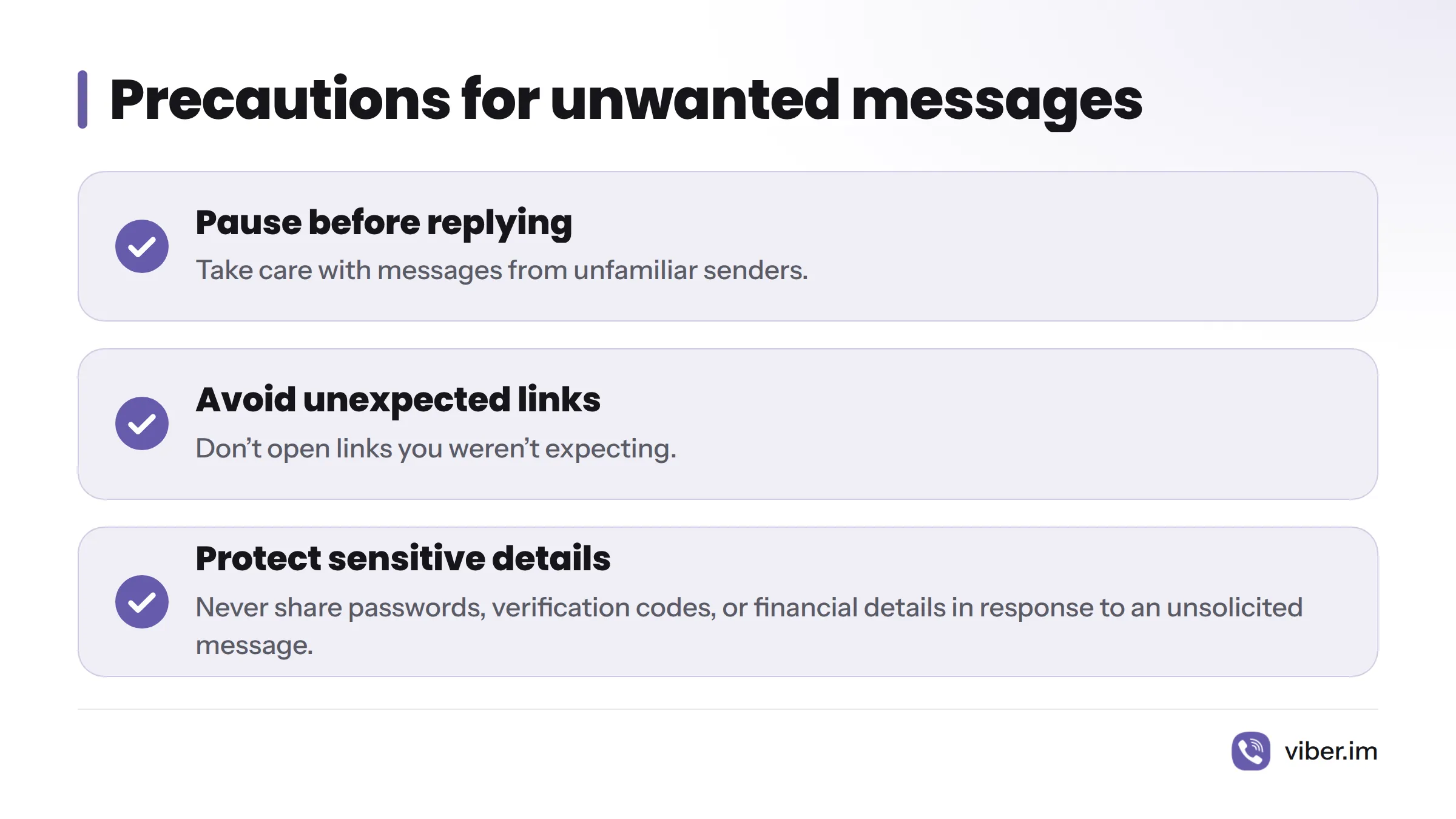
Pause before replying to an unfamiliar sender. Avoid unexpected links, and never share passwords, verification codes, or financial details in response to an unsolicited message. These are general precautions, not claims about Viber’s detection tools. For information about link previews, see the guide to managing Viber link previews.
What to expect after reporting
The Viber Help Center landing page linked here doesn’t explain what happens to a report, how long a review may take, or what information Viber may retain. Check Viber’s relevant anti-spam policy or help article for those details. Until Viber states what happens, don’t assume a report has been reviewed or action has been taken.
Keep treating new messages with caution, even after submitting a report. Reporting does not guarantee a reply, content removal, account suspension, or an end to future spam.
Viber spam reporting questions
How can I tell whether a Viber message might be spam?
Look for an unfamiliar sender, an unsolicited offer, pressure to act, or a suspicious link. Treat these as warning signs, not proof. If needed, verify the sender through a separate, trusted way to contact them.
Can I report spam in a Viber Community?
The Community reporting route isn’t verified here. Check Viber Help for instructions that match the Community and your app version. Don’t assume private-chat steps apply.
What if I can’t find the Report spam option?
Check Viber’s official help instead of relying on an old menu guide. The available sources don’t confirm the option’s label or location.
Does reporting guarantee that Viber will remove the sender?
No such guarantee appears in the linked Help Center landing page. Don’t assume a response, review time, or enforcement action.