
A useful viber app comparison starts with the people you need to reach and the features you rely on. Viber’s documented features include desktop pairing, Communities, stickers, and international calling. I’d compare those details with your own habits rather than assume one messaging app suits everyone.
Start with our messaging-app comparison guides for service-by-service information. Then use the criteria below to assess alternatives.
Check device support and message syncing
If you switch between a phone and a computer, look at how each app pairs devices and syncs messages. Viber’s desktop and device-sync information describes its desktop app and pairing process. Check the 2026 download information for supported platforms before installing, since support can change.
Decide whether Communities fit your conversations
Viber Communities are designed for larger, interest-based conversations. Its groups and Communities overview describes these features. Consider whether you want to take part in broader discussions or mainly need one-to-one chats and small groups.
Compare stickers and international calls
Viber’s Sticker Market lets users find stickers for chats, as described in its messaging app feature overview. If stickers matter to you, check each app’s selection, availability, and any charges. Catalogs can differ.
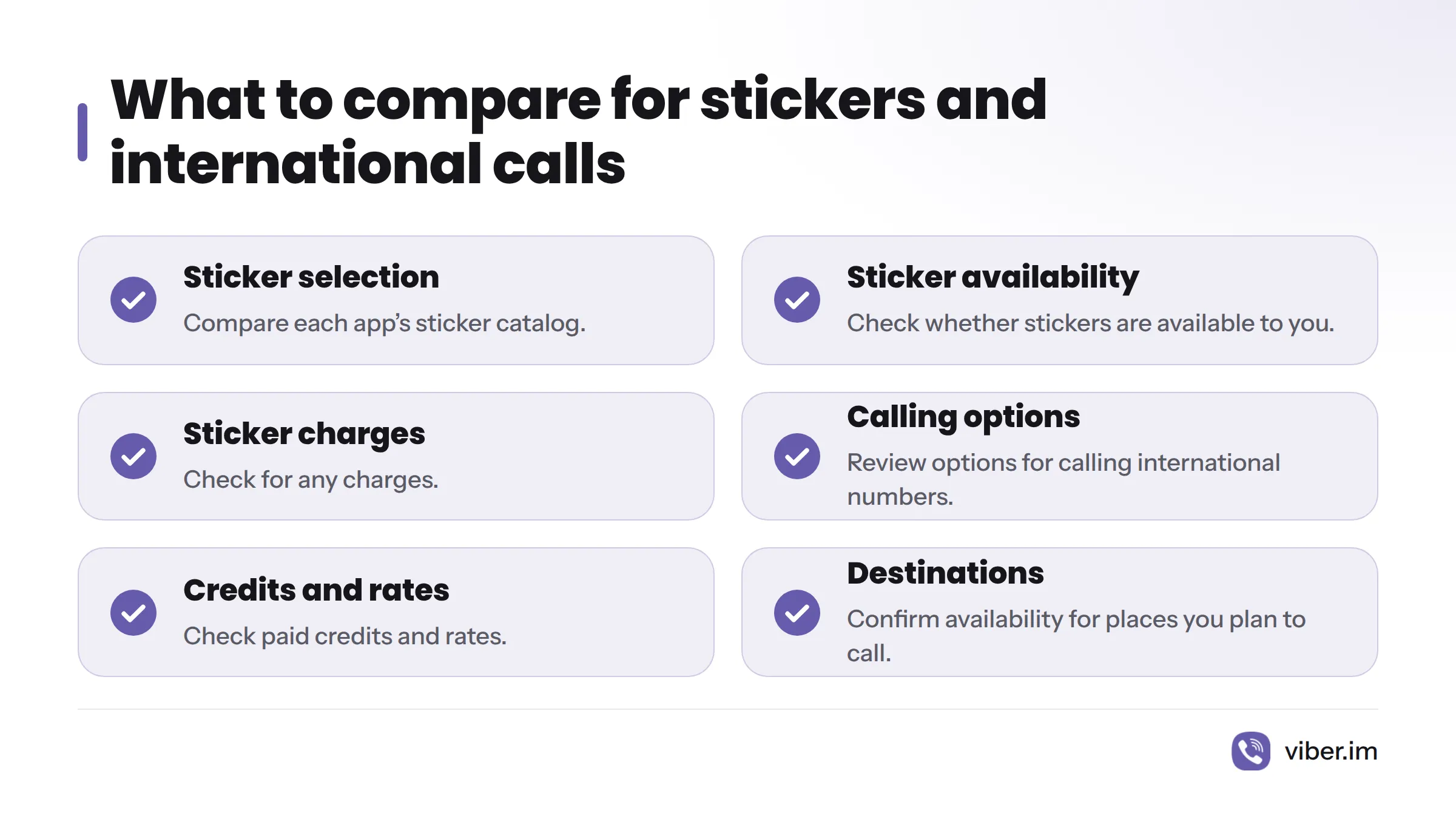
For calls to international numbers, Viber offers Viber Out. Its calls page describes the calling options. Paid credits may apply, so review the Viber Out credit top-up information along with prices and destination availability for the places you plan to call. Rates vary, so check the details for your needs.
Match the app to how you communicate
Messaging apps support instant messaging, but the right choice depends on how you communicate day to day. Use this checklist to compare Viber with other services:
| Your need | What to check |
|---|---|
| Reach friends and family | Which people you need to contact already use the app |
| Use a phone and computer | Supported devices, pairing, and message syncing |
| Join wider conversations | Whether Communities or similar spaces fit your interests |
| Add expression to chats | Sticker selection, availability, and any charges |
| Call internationally | Calling options, paid credits, rates, and destination availability |
There is no single best fit for everyone. I’d begin with the people you need to contact, then compare device support and the features you expect to use.
Review Viber’s calling and privacy details
For information about Viber’s calls, visit Viber free calls and Viber Out. To read the service’s statements about data and privacy, see its privacy information. That page describes Viber’s policies; it does not establish how other apps handle privacy. More product details are available on Viber’s website and in its Viber app overview.
Sources
- Viber: How Does Viber Compare to WhatsApp Features
- Viber: How Does Viber Compare to Telegram
- Viber: Desktop App, Sync and Device Pairing
- Viber: Download Viber for Android, iPhone, Windows and Mac
- Viber: Groups, Calls, Broadcast Lists and Communities
- Viber: Messaging App Features
- Viber: Free Calls, Voice, Video and Viber Out
- Viber: How to Top Up Viber Out Credits
- Viber: Privacy and Security Features
- Viber: App Features, Download and Security Guide
- Instant messaging, Wikipedia
- Viber official website