
Viber offers four ways to communicate with groups: private group chats for up to 250 members, live group calls, broadcast lists for selected recipients, and public Communities with unlimited membership. The choice comes down to who should take part and whether the exchange should happen in a chat, a call, or a public space.
Pick a Viber format by audience and purpose
| Format | Best suited to | Main distinction | Setup guide |
|---|---|---|---|
| Group chat | A private conversation among a known group | Up to 250 members | Create a Viber group |
| Group call | A live voice or video conversation | People talk in real time | Viber call guide |
| Broadcast list | Sending a message to selected recipients | Separate from a shared group chat | Viber broadcast lists |
| Community | A public audience | Unlimited membership | Viber Communities |
A viber group chat is the fit when participants should share one private conversation. A call suits a live discussion; a broadcast list reaches chosen recipients; a Community gives a public audience a place to gather.
Group chats keep conversation private
A Viber group chat gives members a shared place to exchange messages. It can work well for friends planning an outing or relatives coordinating a gathering. Viber says its group chats use built-in end-to-end encryption on its About Viber page.
Group chats support up to 250 members. I’d choose one when the participants are known and the conversation is meant to stay within that group. To set one up, follow the guide to create a Viber group. If the chat already exists, use the group invitation link guide.
A group chat is a shared conversation. A broadcast list serves a different purpose: it sends a message to selected recipients rather than placing everyone in one chat.
Group calls make discussion live
Viber group calls support voice and video conversations with group members. They suit moments when people need to talk together, rather than continue an exchange by text.
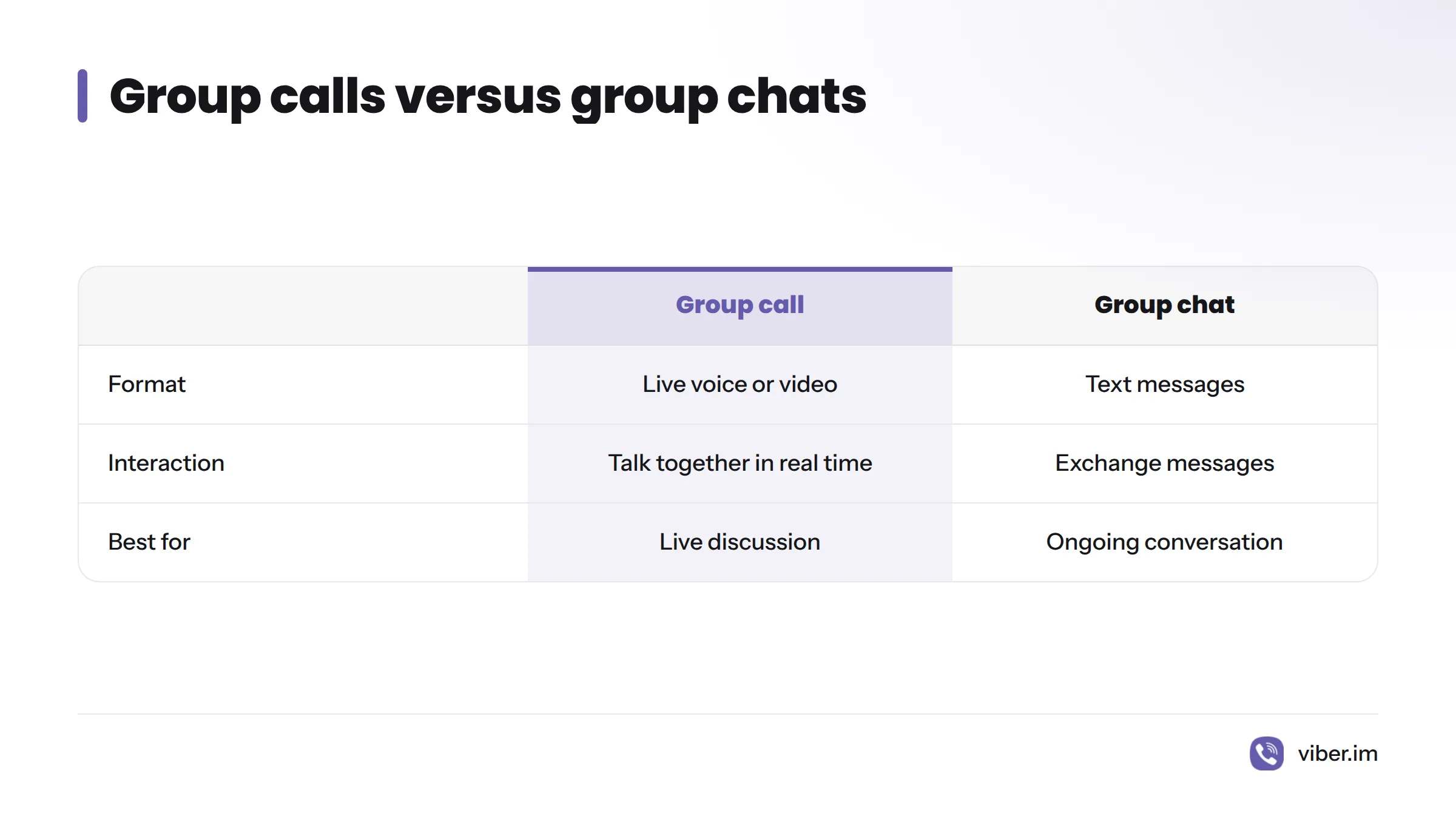
The call differs from an ongoing group chat, and the available guide covers Viber calling in general. Check Viber’s app or support information for group-call steps, participant limits, and controls before relying on them. See the Viber calling guide for general help.
Broadcast lists reach chosen recipients
Use a broadcast list when you want to message selected recipients without opening a shared group conversation. It may suit a one-way update for a chosen set of people.
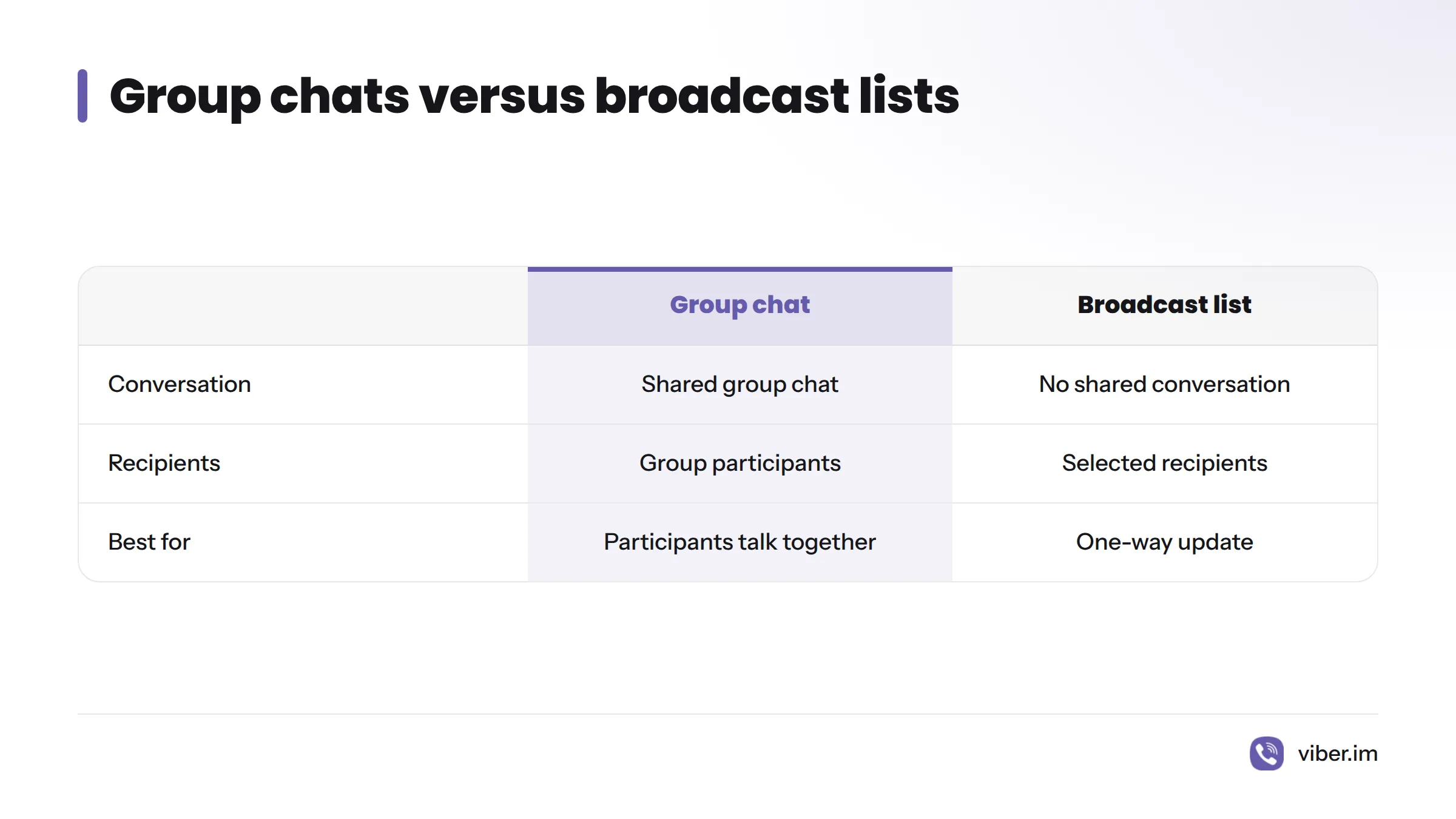
The distinction is the format: a group chat lets participants talk together, while a broadcast list is for reaching selected recipients. Check Viber’s in-app guidance for delivery behavior, recipient requirements, and privacy settings. The broadcast-list guide covers setup.
Communities are public and have no membership cap
A Viber Community is public and allows unlimited membership. A group chat is private and supports up to 250 members. Choose a Community when the audience should extend beyond a closed circle; use a group chat for a private conversation.
| Group chat | Community |
|---|---|
| Private conversation | Public space |
| Up to 250 members | Unlimited membership |
A Community may suit people who want to gather around a shared interest. Before creating one, consider whether the audience should be public. The Viber Communities guide explains how to create and manage one.
Choose the format that fits
- Private conversation with up to 250 people: Start a group chat.
- Live voice or video discussion: Start a group call.
- Message for selected recipients: Consider a broadcast list.
- Public audience with unlimited membership: Create a Community.
These distinctions help narrow the choice without assuming that call limits, permissions, or broadcast behavior stay the same across app versions. Check Viber’s own guidance for product details. Its About Viber page introduces the service and its features.
Set up a group or explore other Viber features
For a private group, start with the group creation guide. To bring people into an existing chat, see the group invitation link guide. The Viber messaging app overview covers its messaging and calling options.
How do I add a group on Viber?
Open the Viber group creation guide and follow the steps for your app. This article helps you decide which format to use; the guide walks through setup.
How do I invite people to a Viber group?
Follow the group invite link guide. Viber’s in-app prompts can show options or requirements for your account.
How many members can a Viber group chat have?
A Viber group chat supports up to 250 members. A Community is public and has unlimited membership.