
Spam on Viber can arrive as a message request, a suspicious message, repeated calls, or an ad after a call. The right response depends on what happened. Blocking a contact, reporting a message, and handling a request from an unknown sender are separate actions, and none guarantees that all unwanted contact will stop.
| What you’re seeing | What to do next | Guide |
|---|---|---|
| A message or request from an unknown sender | Don’t reply until you’ve assessed the message. Check the options Viber displays in the conversation. | Block unknown messages on Viber |
| A suspicious message or scam offer | Don’t follow its links or share personal or payment details. Use Viber’s spam-reporting instructions if you suspect abuse. | Report spam on Viber |
| Unwanted messages from someone you know | Use the blocking guide if you want to stop contact from that account. | How to block someone on Viber |
| Repeated unwanted calls | Look for call-specific controls rather than assuming message settings cover calls. | See the section on unwanted calls below. |
| An ad after a call | Check for ad-specific guidance or controls. An ad is different from an unsolicited call. | See the section on post-call ads below. |
Start with the kind of contact
First, note where the unwanted contact appeared: in a new conversation, an existing chat, the call screen, or after a call. Then consider whether you know the sender and whether the message asks you to click a link, send money, or share private information. Those details help you choose a response that fits the situation.
Viber is a messaging and calling service. Check the options shown for the conversation or call you received, and confirm any procedure in Viber’s help material. Don’t assume there is one Viber spam filter or setting that handles every kind of unwanted contact.
Blocking and reporting serve different purposes
Blocking addresses contact from a particular account. Reporting flags a message or sender you suspect is abusing the service. A message request gives you a chance to assess contact from someone you don’t know and choose among the options Viber presents. I’d keep those actions distinct: reporting doesn’t necessarily block someone, and blocking isn’t the same as reporting suspected abuse.
| Option | Use it when | Keep in mind |
|---|---|---|
| Handle a message request | Someone you don’t know has contacted you. | The controls and labels depend on what Viber shows in your app. |
| Block a contact | You want to stop contact from a particular account. | Follow the Viber blocking walkthrough. |
| Report spam | You suspect a message or sender is abusive. | Check Viber’s spam-reporting guide for its instructions. A report does not guarantee that Viber will remove the sender. |
Unknown sender or message request: pause before replying
An unfamiliar number doesn’t prove a message is a scam, and you don’t have to reply to identify the sender. Take care with urgent demands, prize or job offers, and requests for account or payment details. The Federal Trade Commission’s guidance on phishing scams explains why unexpected requests for sensitive information deserve caution.
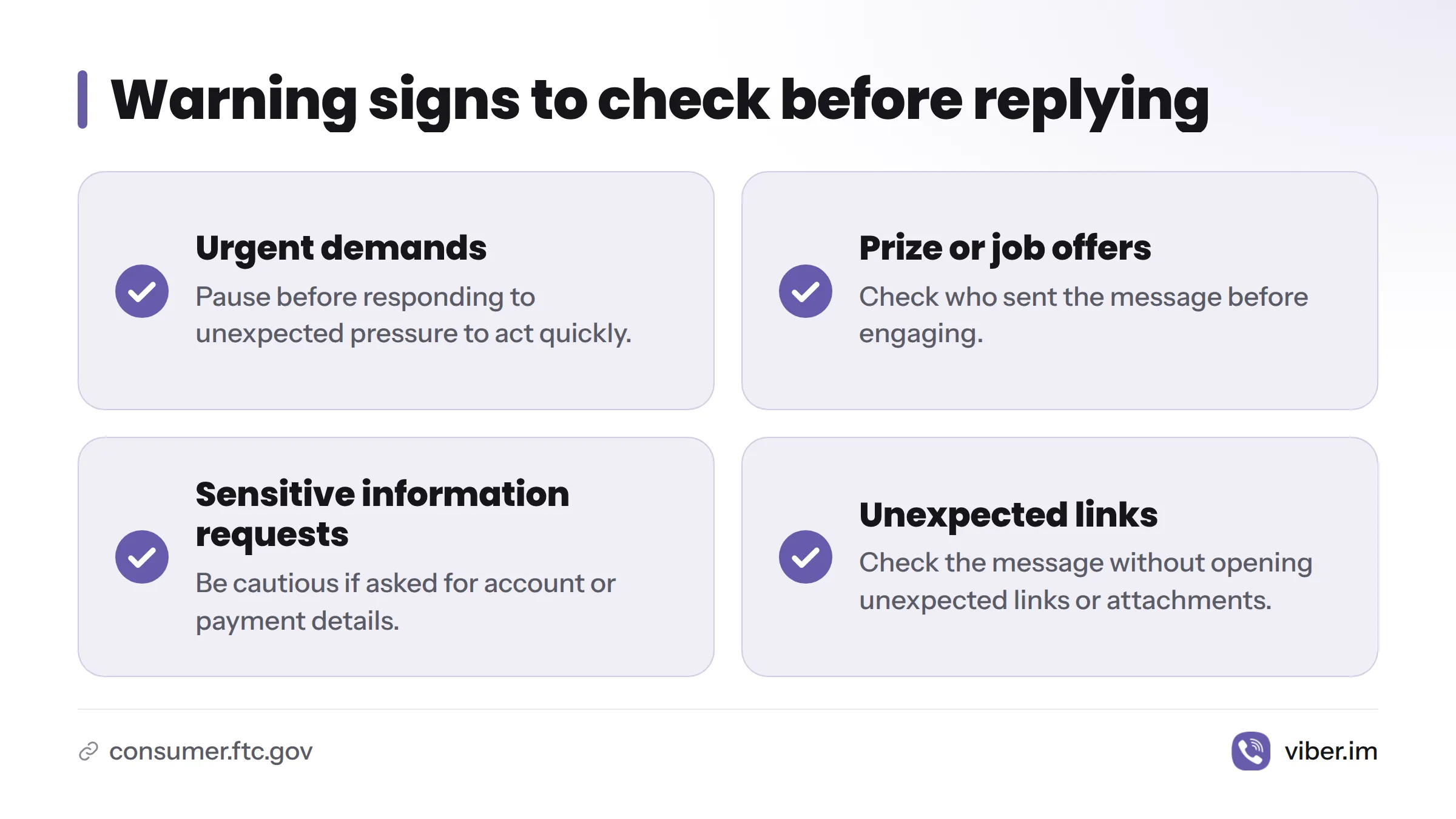
Check the sender and message without opening unexpected links or attachments. If you can’t verify who sent it, use the options Viber displays instead of sharing details or continuing the exchange. For more context, see why strangers message you on Viber when that guide is available. If your concern is who can contact you or see your details, consult Viber privacy settings; privacy settings are outside this guide’s scope.
Suspicious Viber spam messages: report them and consider blocking
A polished message or familiar company name doesn’t establish that a sender is genuine. Pause if the message urges you to act at once, follow an unfamiliar link, send money, or reveal a password or verification code. Verify a job offer, prize claim, or payment demand through a contact method you already trust, not through the details in the message.
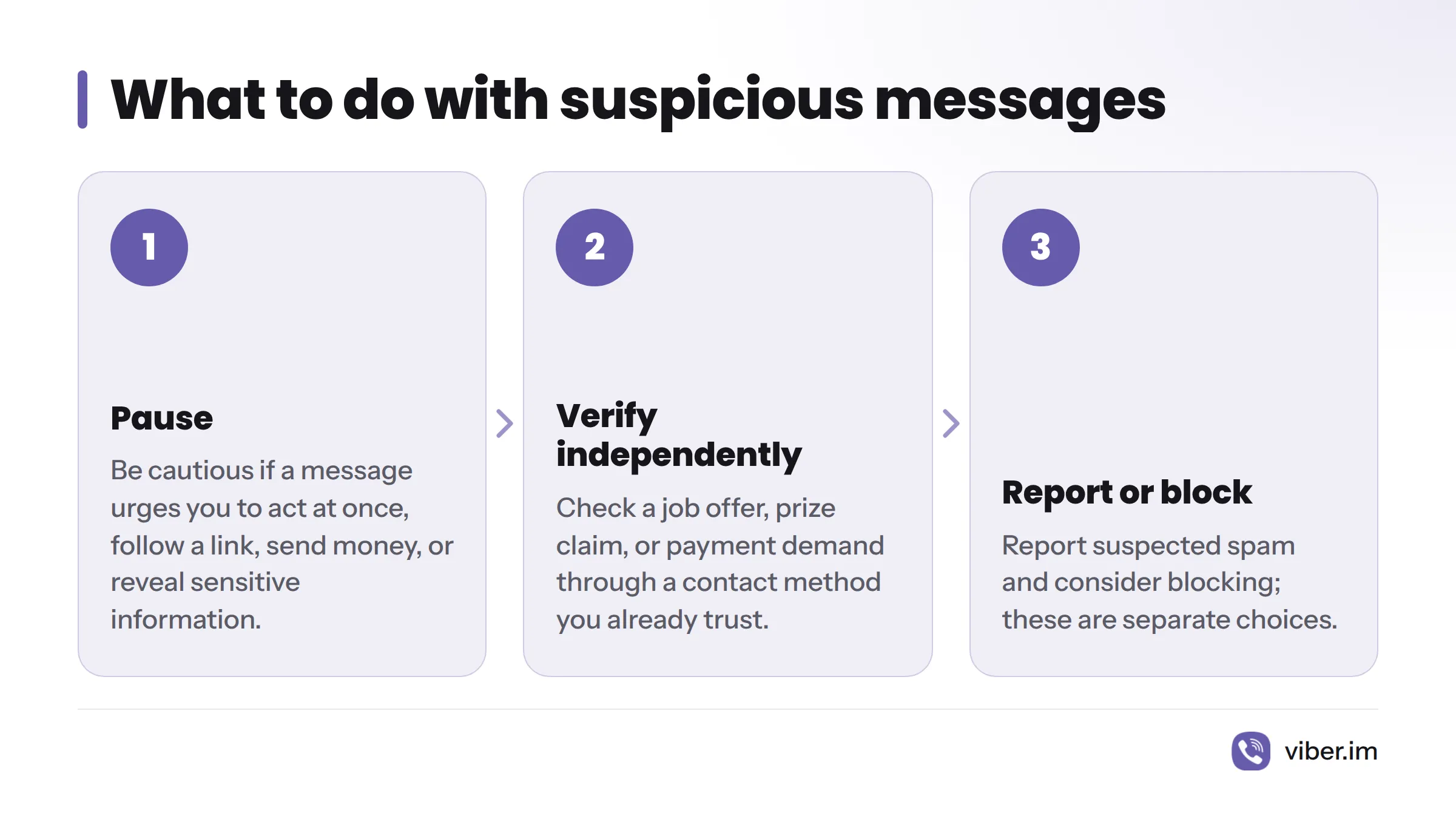
If you suspect spam, follow Viber’s report-spam instructions. You can also use the blocking guide if you want to stop contact from that sender. Reporting and blocking are separate choices; don’t assume one automatically triggers the other. See how to spot Viber scam messages when that guide is published. Avoid forwarding a suspicious message if doing so could spread a risky link.
Unwanted messages from someone you know: use the block guide
Spam can come from a person whose number you recognize. If that person keeps sending unwanted Viber messages, follow the Viber blocking walkthrough rather than the steps for an unknown sender. The guide covers the procedure, so this article doesn’t repeat its instructions.
For questions about what a blocked contact can see or whether they receive a notification, rely on the behavior Viber documents rather than guesses. If you need to review or change a block later, check your Viber blocked contacts list when that guide is available.
Repeated unwanted Viber calls: check call controls
A spam call isn’t the same as a message request. Note whether it comes from an unknown number, repeats, or appears connected to someone you know. Then check the call controls Viber offers in your version of the app. Don’t assume that blocking messages or changing chat settings also stops calls.
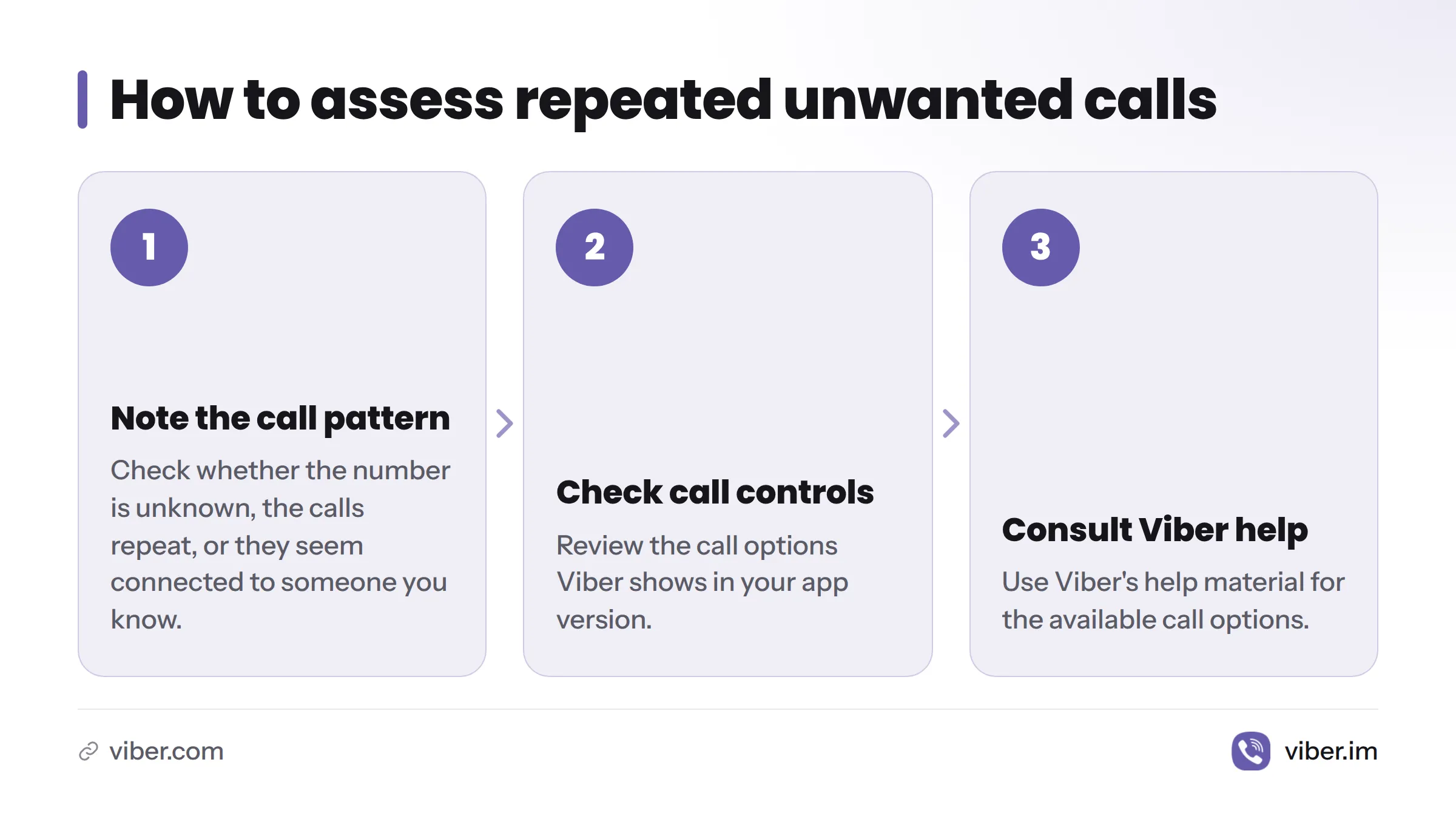
For more detail, see how to stop spam calls on Viber when that guide is published. Until then, consult Viber’s help material for the call options shown in your app. This page doesn’t assume a particular menu path or promise that one setting will prevent every unwanted call.
Post-call ads: look for ad-specific guidance
An ad shown after a call is different from someone calling without permission. Check for ad-related guidance or controls presented with the ad. Don’t treat an ad as proof that the call itself was spam, and don’t assume a call-blocking option applies to advertising.
If the ad doesn’t explain what controls are available, consult the Viber Help Center. Viber’s controls may differ by app version or device, so I wouldn’t rely on an ad setting unless Viber documents it for your situation.
Viber spam protection: common questions
Where do I find spam in Viber?
Start where the unwanted contact appeared: the conversation or message request for messages, the call screen for calls, or the display after a call for an ad. Labels and locations can vary. Use the controls shown in your app and the matching guide above.
Does blocking someone on Viber notify them?
Check Viber’s blocking guide for its documented behavior. Don’t assume the other person will or won’t receive a notification, or what they may infer.
How do I unblock a contact or messages on Viber?
Use Viber’s guidance for the blocked contacts list and unblocking controls. The available steps may depend on your app version, so check the route shown in your app.
How do I stop unwanted messages on Viber?
Choose the route that fits the sender: use the message options for an unknown sender, report a suspected scam, or follow the blocking guide for unwanted contact from a particular account. For instructions, see Viber’s spam-reporting walkthrough or its blocking guide.