
Viber registration can stop at several points, and the next step depends on the screen you see. Check whether you are stuck entering a phone number, waiting for an SMS or activation call, or facing another registration message. Then use the table to find the relevant guide or Viber Help topic.
Find the step where registration stops
A registration issue means you cannot finish setting up an account. The screen where progress stops helps you choose what to check next, but it does not identify the cause by itself.
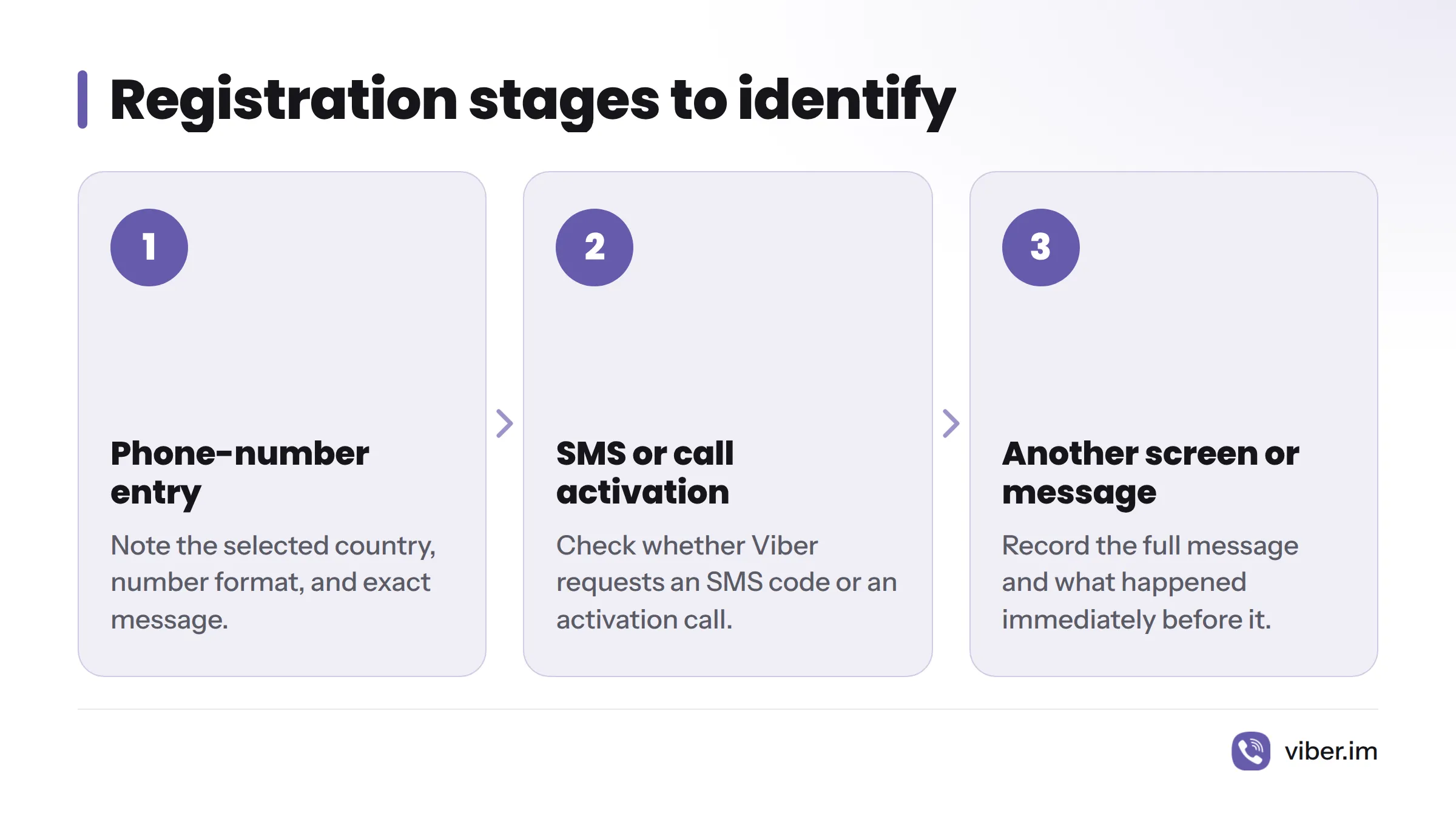
Follow the sequence shown in the app:
Phone-number entry → SMS code or activation call → another registration screen or message
Viber’s Help Center provides official guidance. During registration, Viber may ask you to receive an SMS, or text message, or take an activation call. Match the guidance to the step on your screen instead of assuming every failure has the same cause.
If registration stops at phone-number entry
Note the selected country, country code, number format, and exact message on the screen. Avoid guessing why Viber rejected the number. Use the message and official guidance to choose what to do next.
For the full first-time setup sequence, see how to register on Viber from scratch when that guide is published. This page helps identify the right topic; it does not replace detailed setup instructions.
If you reach SMS or call activation
Check whether Viber asks you to receive an SMS code or take a call, and keep the exact wording of any message.
- If the SMS has not arrived, go to activation code that never arrives.
- If the screen reports a verification failure, use fix a Viber verification failure.
These guides cover the detailed steps for each issue. An activation message does not, on its own, confirm a particular cause. If neither guide describes the screen or option you see, check Viber Help instead.
If another registration screen appears
Write down the full message, including punctuation and any reference details. Note what you did immediately before it appeared. That context can help distinguish a registration block from an error that began after setup.
Use the exact screen and message to choose a guide. A broad label such as “activation failed” may describe more than one situation.
Match the screen to the next step
This table points you to the guide or help topic for the stage where registration stops. It does not repeat the detailed troubleshooting instructions.
| Where registration stops | What to note | Next step |
|---|---|---|
| Phone-number entry | Country selection, number format, and exact message | See How to register on Viber from scratch for first-time setup, or consult Viber Help if its guidance does not fit |
| SMS activation | Whether Viber requests an SMS code and the exact screen wording | See Activation code that never arrives |
| Activation call | Whether the screen offers or requests a call, plus any message | See Fix a Viber verification failure or the matching Viber Help topic |
| Another registration screen | The step, full message, and whether this is a new account | Check the relevant topic in Viber Help |
| Issue after setup | What you were trying to do after registration finished | See Viber errors after setup |
Use the table to choose a destination, not to diagnose the cause. If a message could fit more than one row, compare its exact wording with the stage you reached. When neither points to a clear guide, check official Viber Help rather than trying unrelated fixes.
Tell new registration apart from account recovery
Setting up a new account or returning to an existing one?
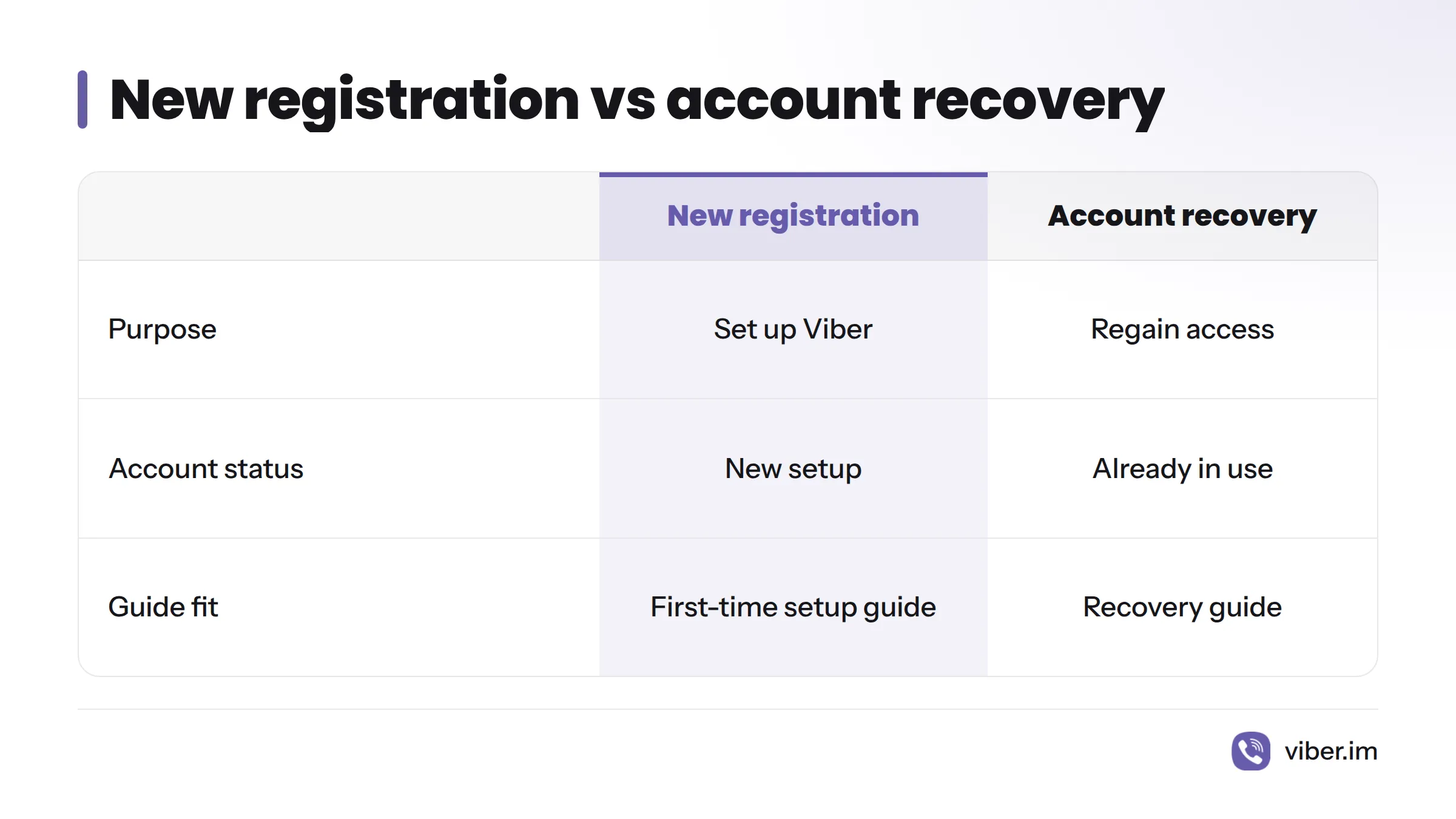
New registration means setting up Viber for a mobile number. Account recovery means trying to regain access to an account already in use. A first-time setup guide may not apply to an existing account.
If you need access to an account you already used, see recovering an existing Viber account when available. If you want to know whether Viber can be used without a phone number, see using Viber without a phone number. This page does not cover account recovery, deletion, or alternatives to number-based registration.
Viber is the service covered here. The Viber home page has more help on the site; choose a topic that matches what you are trying to do.
If the suggested guide does not match your screen
Do not follow instructions for a different screen just because a guide title sounds similar. Check the exact point where registration stopped, then compare the message with Viber’s official help topics. If the help page offers search or a topic list, use words from the message to find a closer match.
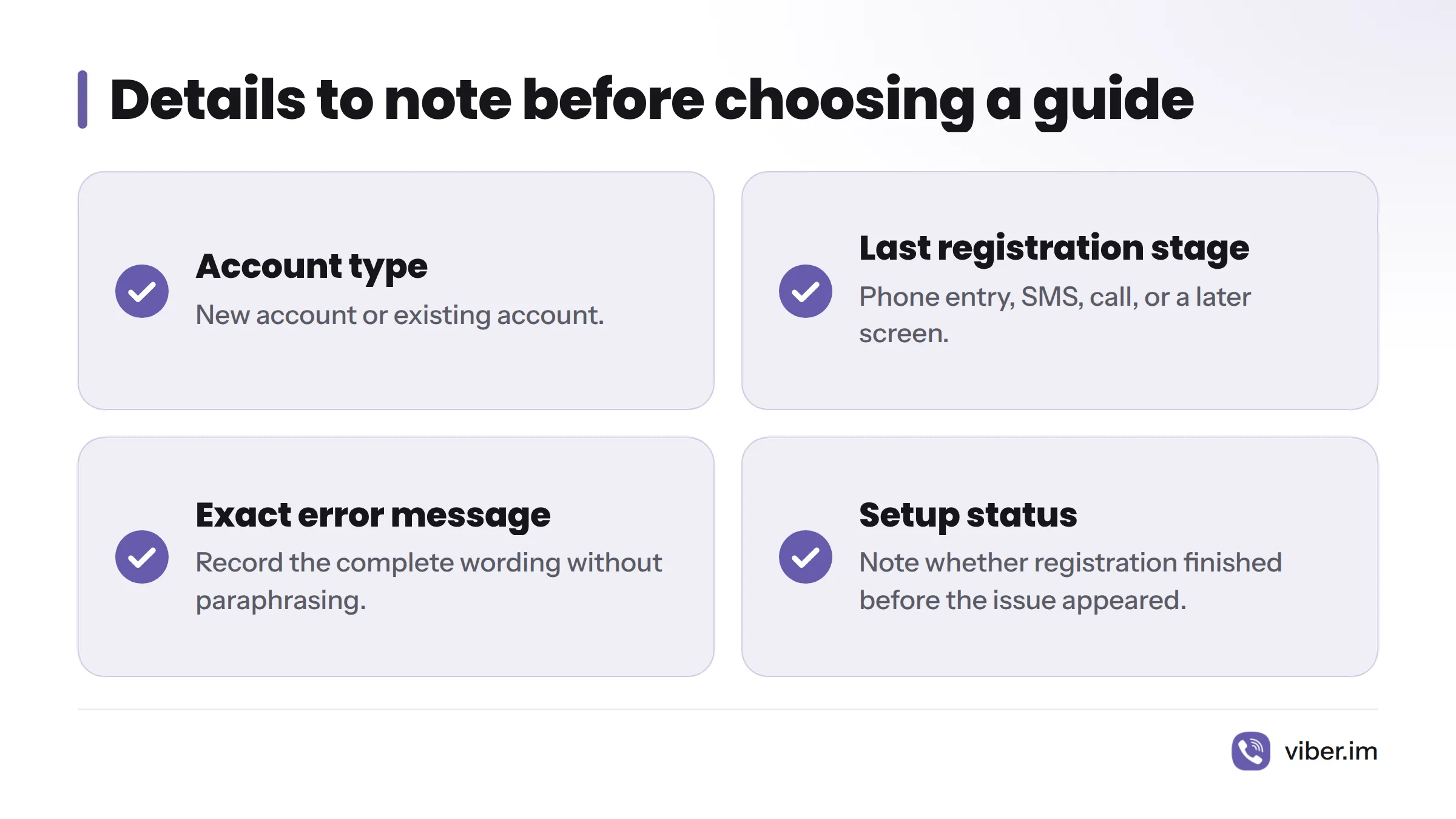
Before choosing a guide, note:
- Whether you are creating a new account or trying to access an existing one.
- Whether you reached phone-number entry, SMS activation, an activation call, or a later screen.
- The complete error message, without paraphrasing it.
- Whether registration finished before the issue appeared.
These details help you describe the issue accurately if you contact official help. They also make it less likely that you will follow steps meant for another registration stage. Do not infer a cause from a short or familiar-sounding error label alone.
Before you try registration again
Pause to confirm that you have chosen the right guide. This checklist cannot guarantee a fix, but it can help keep separate account tasks from getting mixed together.
- Confirm whether you are registering a new account or working with an existing one.
- Identify the last registration step you reached.
- Keep the exact message, country selection, and visible number-format details in front of you.
- Open the guide for that step, or use Viber Help if none of the routes fit.
- Do not repeat instructions written for a different screen.
If you need to reopen or download the app, use the Viber app download page. Then retry registration using the route that matches the screen. Follow the relevant guide for detailed instructions.
Frequently asked questions
Why can’t Viber registration be completed?
The next step depends on where registration stops: phone-number entry, SMS or call activation, or another screen. Identify the stage and use the matching table row. The stage alone does not establish the cause of a viber registration failed message.
How can I tell which registration step failed?
Check the screen and note the last action you completed. If you have not reached activation, use the phone-number-entry route. If Viber asks for an SMS code or activation call, choose the matching activation route. For another message, record its exact wording and check Viber Help.
What should I do if an SMS code never arrives?
Use activation code that never arrives when that guide is available. This page identifies where to go; it does not repeat code-delivery troubleshooting steps.
Is this a Viber account setup problem or an error after setup?
If you cannot finish setting up the account, use the registration routes. If setup finished and an error appeared during a later task, see Viber errors after setup.
What if I can’t register on Viber?
Check whether the issue occurs at phone-number entry, activation, or another screen. If you have a viber sign up not working issue or viber activation problems, use the matching table row and compare the guide with the exact message you see.