
Viber’s recurring permission pop-ups are often triggered by the app’s internal “feature-check” logic failing to sync with your OS security settings. To stop the cycle, don’t just mindlessly click “Allow.” Instead, navigate to System Settings > Apps > Viber > Permissions and manually strip away unnecessary access like “Call Logs” or “Location.” Keep your Viber updated to the 2026 version to avoid compatibility loops, and use the “Allow only while using the app” setting to satisfy the app’s requirements without granting 24/7 access.
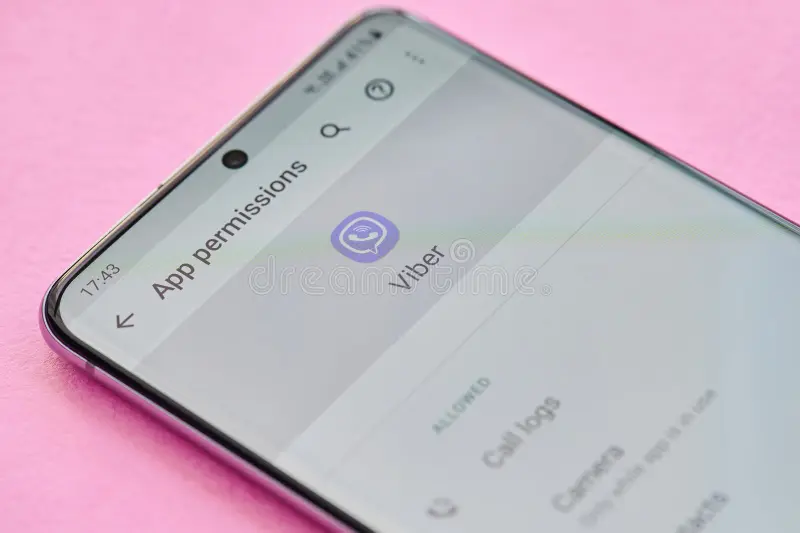
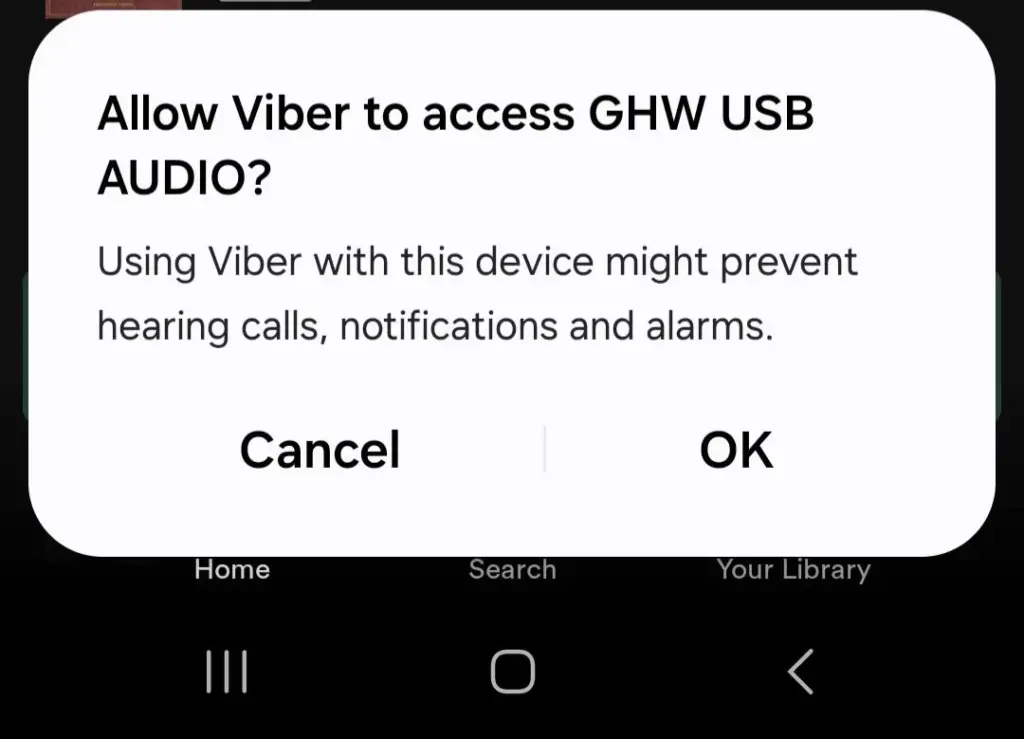
I’ve been managing cross-border communication stacks for over a decade, and if there’s one thing that drives my team and clients up the wall, it’s the “Viber Permission Loop.” You know the one: you open the app, a pop-up asks for access to your call logs, you click “Deny,” and the app proceeds to nag you every time you try to make a call or open a chat.
It feels like Viber is being “needy.” The reality? It’s often a breakdown in how the app interacts with your phone’s OS. Many users think that clicking “Allow” is the only way to get back to their chats, but that’s a quick ticket to a privacy nightmare. Let’s look at how to actually handle these requests without selling your soul—or your data.
Why Viber Is So “Permission-Hungry”
Note: This guide is based on Viber 23.1 (mobile) and Viber 22.8 (desktop), the latest versions as of 2026. Features and interface may vary slightly in older versions.
Viber is an “all-in-one” platform. It’s not just a messenger; it’s a marketplace, a business search tool, and a voice-calling platform. When you see a pop-up asking for “Call Log” access, the app is trying to integrate your phone’s native dialer. When it asks for “Location,” it’s trying to serve you local business results or marketplace data.
From a developer’s perspective, the app is programmed to default to the “best experience,” which assumes you want every feature enabled. If you deny these, the app’s internal logic often resets, thinking the feature failed to load, which triggers the pop-up again the next time you touch that function.
If you want to understand how these permissions are scheduled at the kernel level for more robust security, I recommend reviewing the Android Developer Privacy Best Practices, which explains how OS-level sandboxing interacts with application requests.
Granular Management: Taking Back Control
You don’t need to live with these pop-ups. You can set the rules, but you have to do it through your phone, not inside the Viber app.
For Android: The “Deny & Silence” Method
If you’re on a Samsung, Pixel, or other Android device, you have the most granular control.
-
The “Call Log” Fix: Many users report that Viber incessantly asks for call log permissions. Go to Settings > Apps > Viber > Permissions. Find “Call Logs” and select “Don’t Allow.” If the pop-up persists, you might need to turn off the “Phone” permission—don’t worry, this won’t stop you from making Viber calls, as those use data, not your carrier’s native dialer.
-
Battery & Autostart: Some pop-ups are triggered when the app is “frozen” by battery savers. Ensure that in App Info, you have “Autostart” turned ON and “Battery Saver” set to “No restrictions.” This stops the app from panicking when it wakes up and can’t find the resources it expects.
For iOS: The Privacy & Security Audit
Apple makes it harder for apps to nag, but they still try.
-
Go to Settings > Privacy & Security.
-
Check the lists for Contacts, Camera, and Microphone.
-
If you find Viber is constantly requesting these, it’s usually because you’ve restricted the “Full Address Book” access. Starting with iOS 18, Apple allows partial contact access. If you get a banner asking for “Full Access,” it’s because the app is failing to map your contacts to your chat list. You can choose to allow it, but only if you actually need the contact name syncing feature.
Real-World “Gotcha”: The Sync Loop
Here’s a secret about Viber’s 2026 architecture: It hates being out of sync. If you have Viber installed on a desktop, a tablet, and your phone, and you toggle permissions differently on each, the cloud sync can become confused.
I once spent three hours troubleshooting an account that kept crashing because the Desktop app was trying to pull “Contact History” that the phone app had denied. If you get stuck in a loop, log out of all desktop/tablet sessions. Then, grant the necessary permissions on your phone, wait for the sync to complete, and then re-log into your other devices. It clears the logic buffer and usually stops the pop-ups for good.
Advanced Privacy & Usage Tweaks
If you are doing this for security reasons, remember that disabling permissions can occasionally break specific features. To maintain your privacy while keeping the app functional:
-
Customization: If you’re concerned about how your activity is tracked beyond basic permissions, you might want to look into how to customize Viber’s typing indicators to stay “off the radar” while active.
-
Troubleshooting: If you find yourself needing to keep call records for business reasons but want to keep the app’s permissions low, learn how to use Viber’s offline call recording to bypass restrictions. This allows you to maintain functionality without giving the app full, unrestricted access to your system logs.
Additionally, if you are handling sensitive enterprise data, I highly suggest referencing the NIST Special Publication on Zero Trust Architecture. While enterprise-grade, the principle of “Continuous Verification” is exactly how you should be treating your mobile app permissions—never trust, always verify.
FAQ
Q: If I deny all permissions, will Viber stop working?
A: Not entirely. You can still send text messages and make calls. However, you will lose the ability to see contact names (they will show up as numbers), and you won’t be able to send photos or videos. It’s a trade-off between privacy and features.
Q: Why does Viber keep asking for “Contacts” access?
A: Viber is designed to auto-discover friends who also use the app. If you deny this, it can’t compare your phone book to its user database. If you don’t care about auto-discovery, keep this denied.
Q: Is there any way to permanently disable the pop-ups without “Allowing”?
A: Not directly within the app. The pop-ups are triggered by the app’s internal “feature-check” logic. By setting the permissions in your phone’s OS to “Allow only while using the app,” you satisfy the app’s requirement, which usually stops the nagging.
Q: Does Viber collect more data than other apps?
A: Rakuten Viber claims to prioritize privacy, but like any free, feature-rich app, it collects metadata to tailor its “Marketplace” and “Business Search” features. You can opt out of much of this in Settings > Privacy > Personal Data.