
In today’s digital world, group communication tools need to be quick, accessible, and secure. Knowing how to generate a Viber group invite link is essential for growing communities, managing projects, or coordinating events. With just a few taps, you can allow new members to join instantly—no manual adds or phone numbers required. This article walks you through the process step-by-step, explains practical applications, answers FAQs, and highlights best practices to help you manage your Viber group effectively.
Why Use a Viber Group Invite Link?
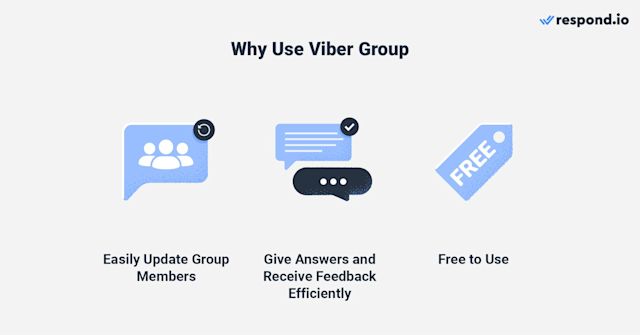
Instant Onboarding
Instead of adding people one by one, a Viber invite URL allows anyone with the link to join immediately. This is perfect for organizing events, building hobby clubs, or forming temporary work teams.
Privacy and Control
Group admins have the ability to revoke or reset links at any time, giving them control over who can join. This reduces the risk of unauthorized members while maintaining accessibility for trusted contacts.
Broad, Flexible Sharing
Links can be distributed via email, newsletters, or social media. For example.
Step-by-Step Guide to Generating a Viber Group Invite Link
- Open Viber on Your Device
If you don’t already have it, download the app from the Viber homepage. - Go to the Group You Manage
Only group admins can create and manage invite links. - Open Group Info
- On mobile: tap the group name or menu icon, then choose “Group Info.”
- On desktop: click the group header or right-click the group to open settings.
- Select “Invite via Link”
Tap “Create Invite Link” to generate your unique URL. This is a one-click solution for growing your group, as explained in Viber’s help documentation, which also details how admins can control access effectively. - Copy and Share the Link
Once generated, tap “Copy” and share it with your audience via messaging apps, newsletters, or social platforms. - Manage Access Anytime
If the group becomes too large or you want to prevent unwanted joins, you can disable or regenerate the link in Group Info at any time.
Real-World Applications
- Event Planning: Embed your invite link in an event page or email to let attendees join instantly.
- Community Growth: Share links in newsletters or on forums to build interest-based groups without revealing personal contacts.
- Project Teams: For short-term initiatives, create a one-time link, admit members quickly, then disable it when done.
For a deeper understanding of organizing and managing your Viber communities, check out these best practices for Viber group management, which include advice on onboarding members, setting rules, and maintaining engagement.
Frequently Asked Questions (FAQs)
| Question | Answer |
|---|---|
| Do I have to be an admin to create a link? | Yes—only admins can generate or disable Viber invite links. |
| Can I limit how many people join? | Viber does not currently provide usage caps, but you can manually disable the link after reaching your desired size. |
| Is the link secure? | Yes, it’s a randomized URL. Avoid posting it in public forums unless you want open access. |
| What if the link stops working? | It has likely been disabled by an admin—simply create a new one. |
Latest Trends in Messaging App Group Invites
Modern messaging apps increasingly provide advanced controls over group invite links, such as expiration times or password protection. Platforms like WhatsApp, Signal, and Viber are constantly improving group onboarding features to ensure speed and security. A recent Zapier highlights how Viber compares to other platforms in offering flexible invitation methods while maintaining strong privacy options.
Key Advantages at a Glance
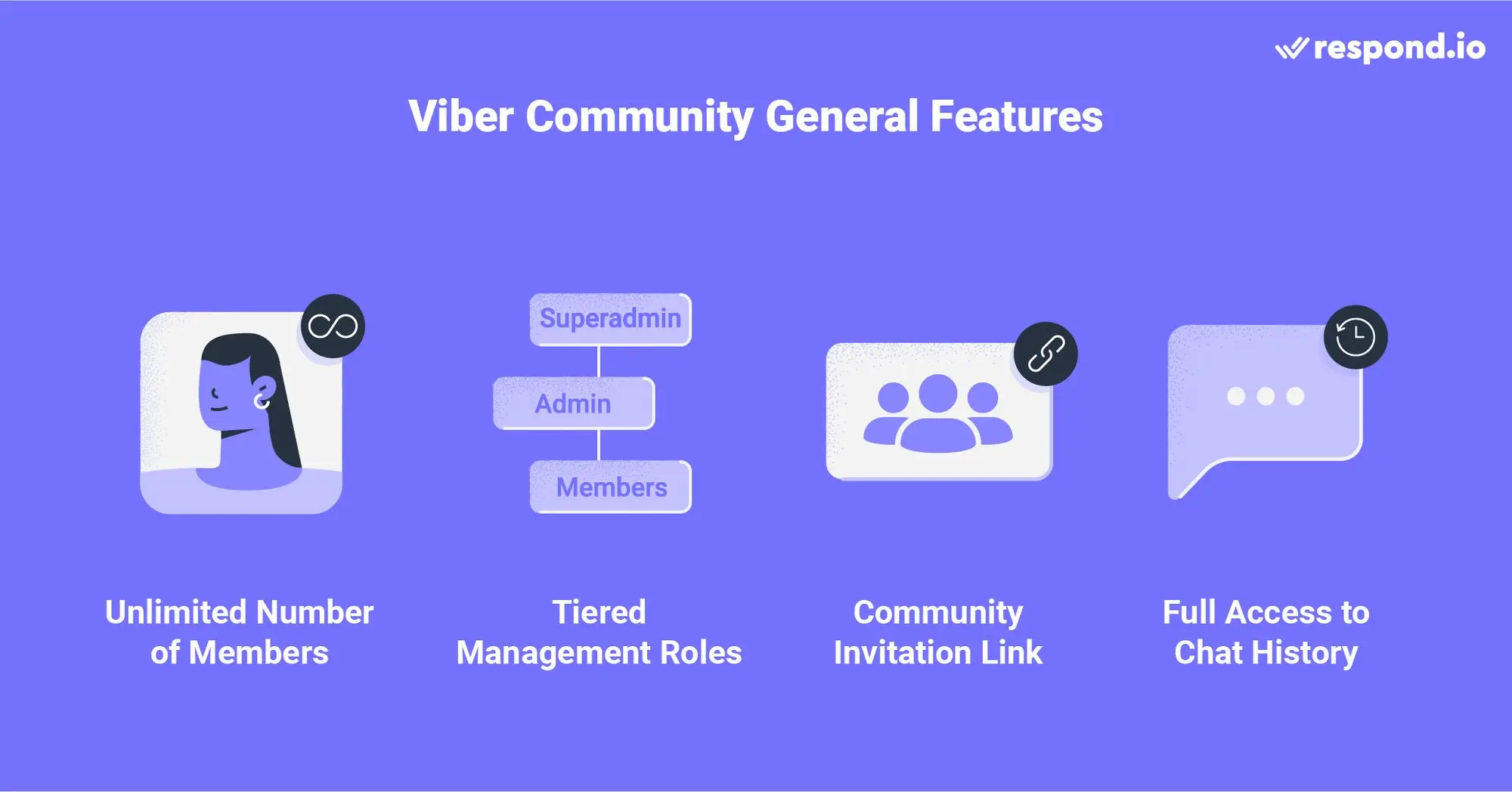
- Speed: Join with one click—no manual adds required.
- Scalability: Easily handle large groups, perfect for events and communities.
- Control: Disable or reset the link at any time.
- Cross-Platform Use: Links work on mobile and desktop versions seamlessly.
Conclusion
Learning how to generate a Viber group invite link helps you grow and manage your community efficiently while maintaining privacy and control. By following the straightforward steps—opening Group Info, generating the link, sharing it wisely, and revoking it when necessary—you’ll ensure smooth onboarding for members.
Whether you’re running an online club, planning a workshop, or coordinating a temporary project team, a Viber group link is a modern solution for fast, secure communication. Combine this feature with strong community management strategies to create a vibrant and organized group experience.